EXT 1824G User’s Manual 6. Image Acquisition
EXT 1824G-UM-COM-EN-03 46
6.1.2. AED Mode
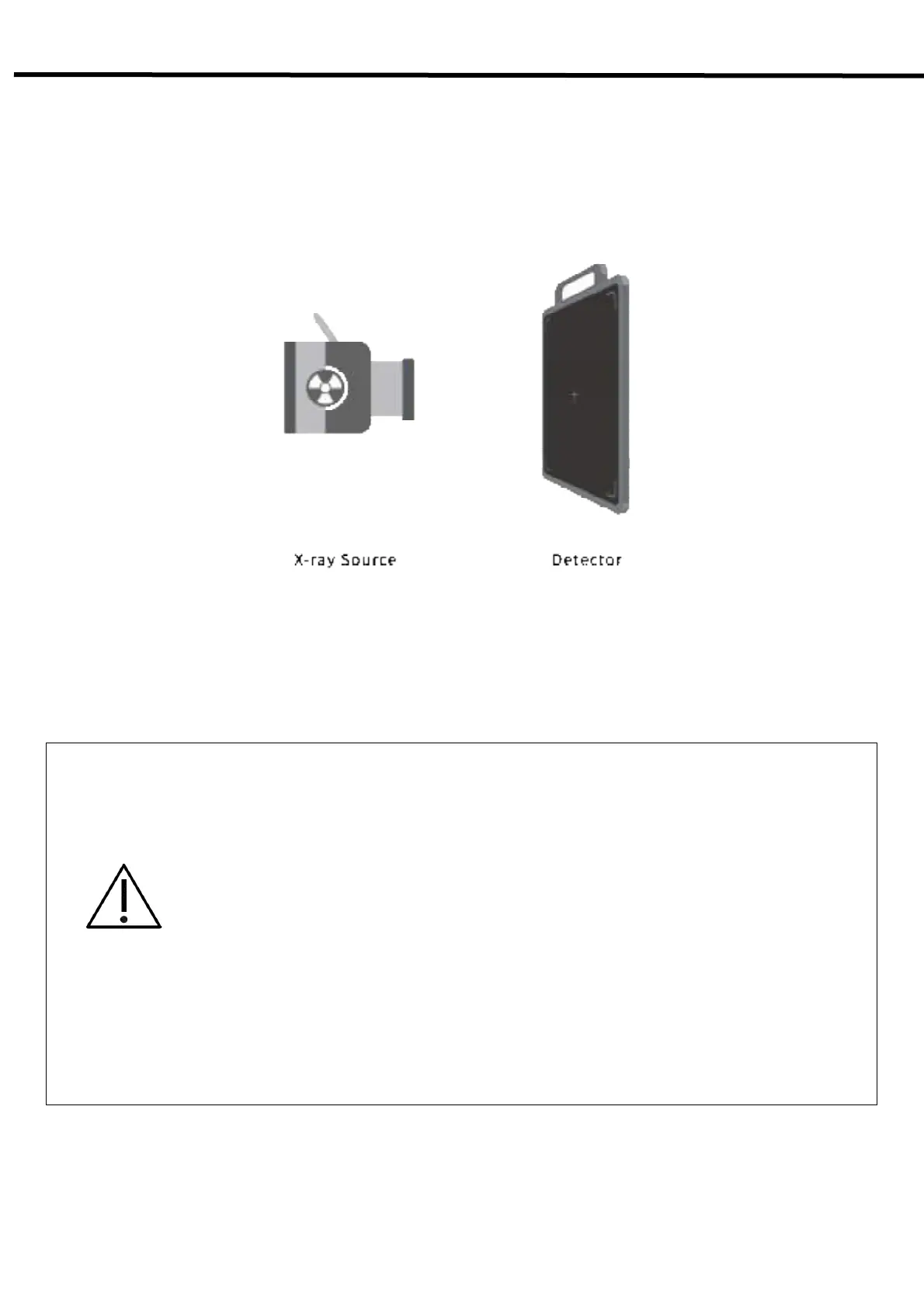
AED Mode is available for acquiring images without any connection to X-ray generator. Generator interface cable is
not required
Figure 6.1. AED Mode Configuration
CAUTION
- If you use AED Mode out of operating environmental requirements, unwanted image can be
acquired without x-ray image acquiring process.
- Do not hit or drop the equipment. Unwanted images can be acquired in the AED Mode if it
receives a strong jolt.
- If you image a thick object in the AED Mode with low X-ray tube voltage, an image may not be
acquired.
- AED performance is proportional to KV energy. Therefore, it is recommended to increase KV
as much as possible and relatively decrease mA and ms.
- When you set x-ray exposure area towards the direction of the detector, the center block of
the detector should be included in the X-ray exposure area. Otherwise, you may not acquire
an image.
- The minimum X-ray exposure area should be wider than 4cm X 8cm on the center block of
detector.



 To Next Page