EXT 1824G User’s Manual 7. Device Setting
EXT 1824G-UM-COM-EN-03 54
7. Device Setting
7.1. AP Setting
7.1.1. AP Configuration
Normally, AP setting does not need to be changed by user, because AP is set to match the use environment when the
product is inspected for shipping.
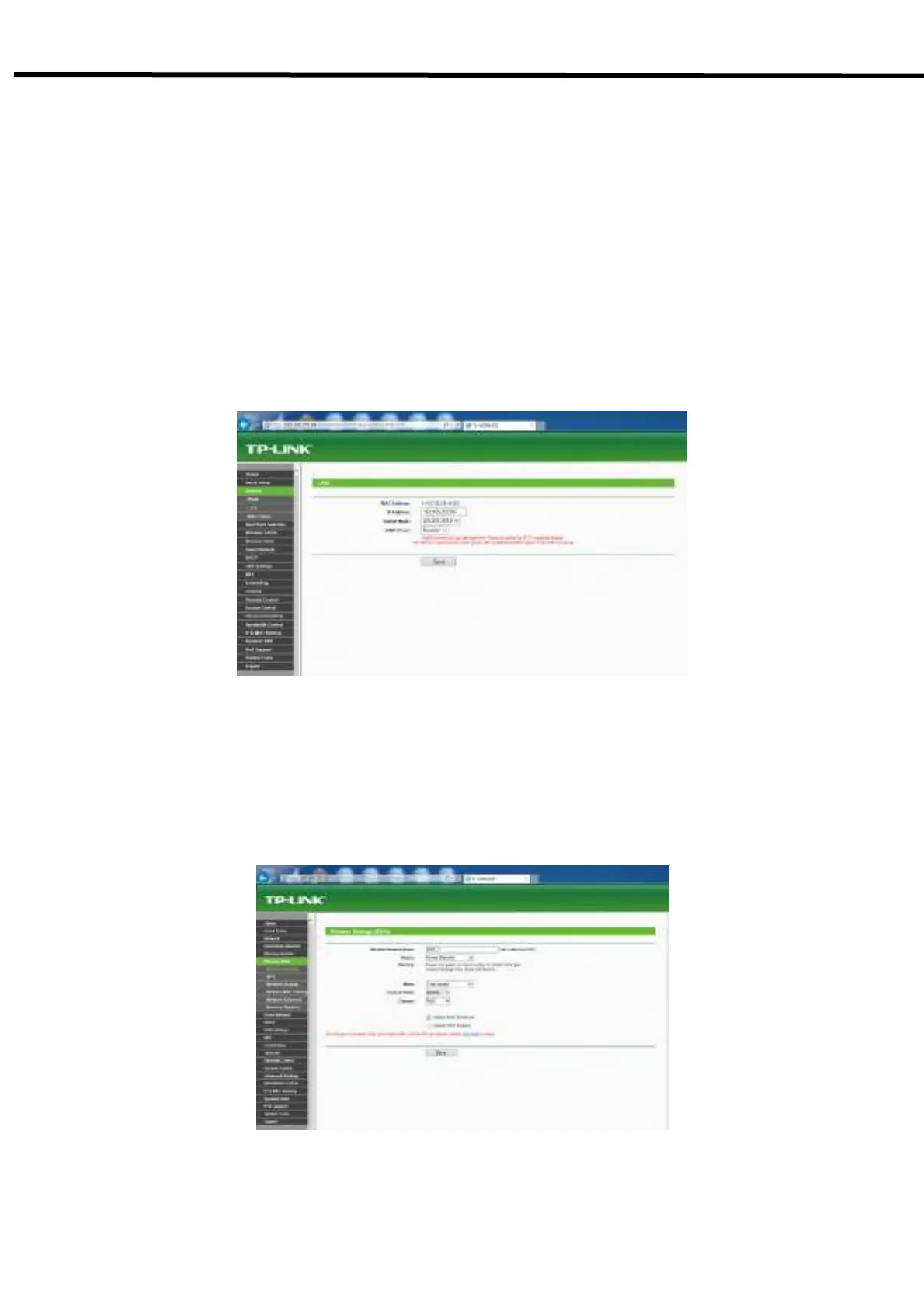
1) Check IP address of AP
-Enter the IP address of AP, as set in ECali1 (192.168.250.98).
- Choose Network tab → LAN. IP address can be seen as stored.
2) Setting wireless communication
-Choose Wireless 5GHz or 2.4GHz → Wireless Setting.
- Register wireless Network Name same with the detector, and select Region, Channel Width, Channel
depending on the use enviroment.
3) Setting wireless communication



 To Next Page