EXT 1824G User’s Manual 7. Device Setting
EXT 1824G-UM-COM-EN-03 55
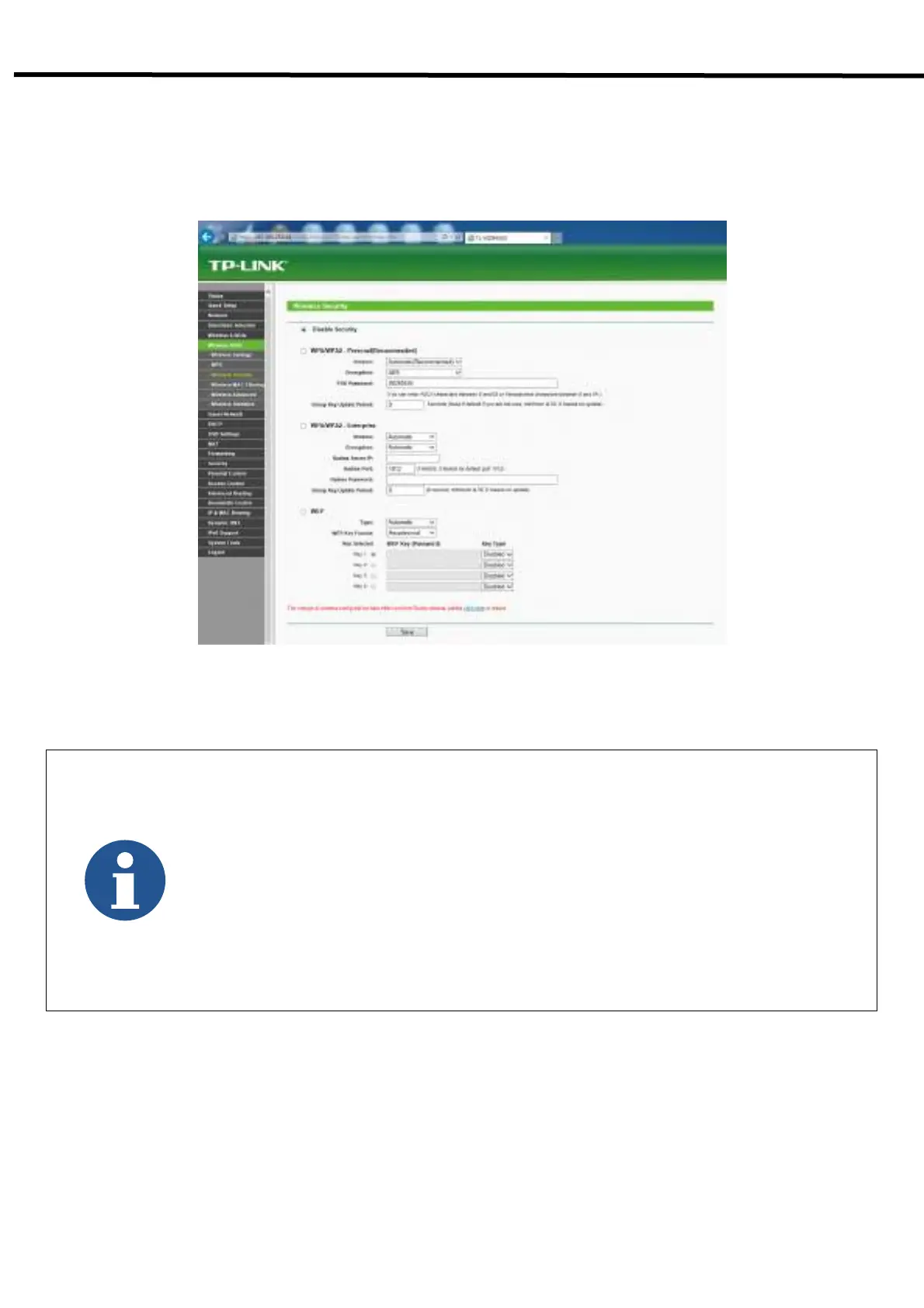
- Choose Wireless 5GHz or 2.4GHz → Wireless Security
- Choose Disable Security and click the Save button
- Detector can not be connected to AP if security is enabled.
- Default IP Address of Detector is 192.168.250.135.
- 8 numbers of channel can be used in 5GHz Frequency.
- Available channel will be limited according to country and region.
- Channel Bonding is for enhancing transmission speed. However, transmission speed may
be decreased due to channel’s interference, even if channel bonding has been done.
- Channel’s (+/-) will be activated in case of using 40MHz Frequency bandwidth.
- The configuration whether bonding with above channel or below channel can be done.
- AP's SSID should be same as Detector’s SSID, if user intends to use wireless
communication.



 To Next Page