EXT 1824G User’s Manual 4. Detector Component
EXT 1824G-UM-COM-EN-03 35
5.2.1. Connecting Device
This section describes how to connect the EXT 1824G system (Detector)
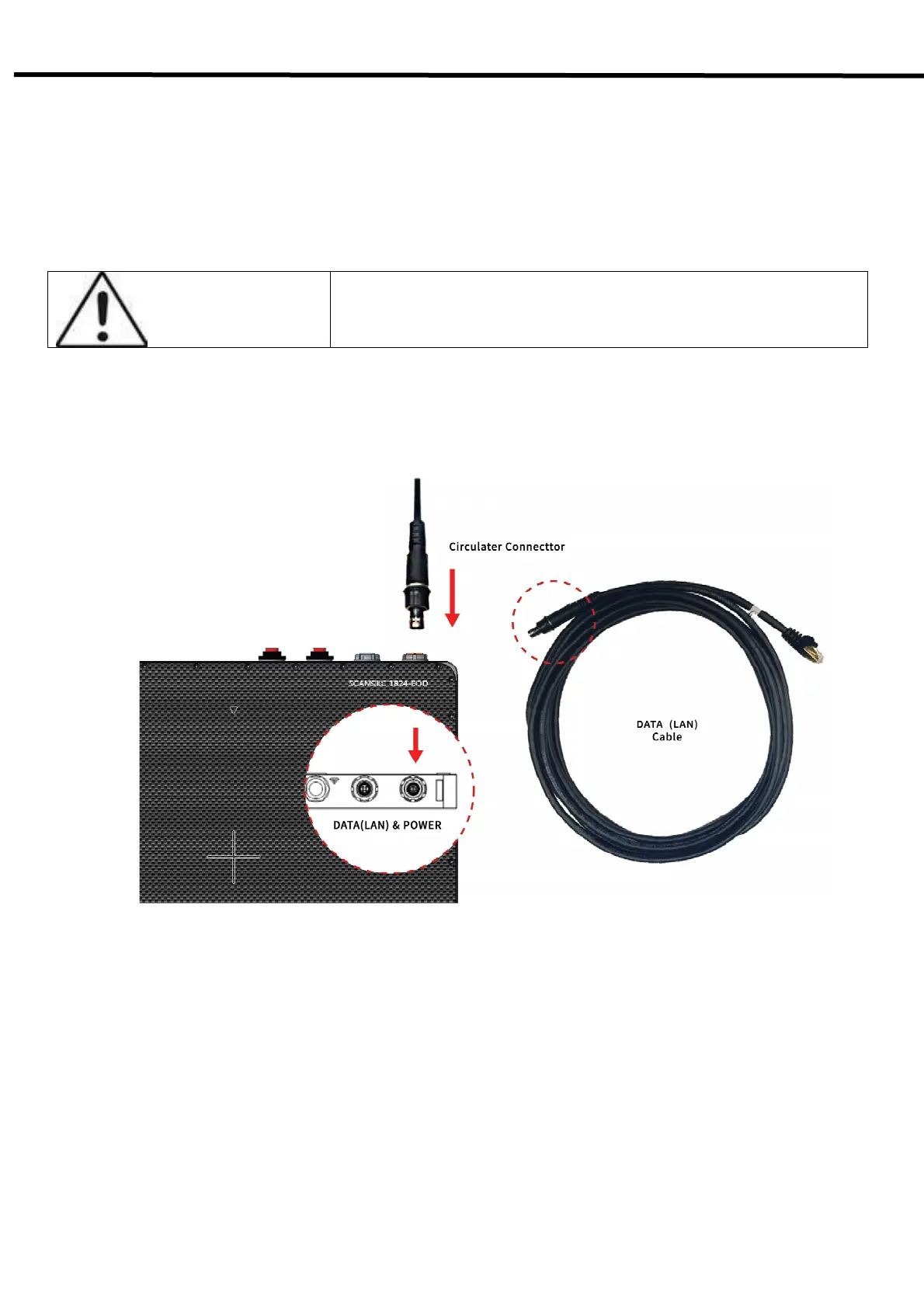
5.2.1.1. DATA(LAN) & Power Cable
This section describes how to connect the EXT 1824G system (Detector) by using DATA(LAN) cable.
CAUTION
Installation of this equipment should be made by licensed and authorized
personnel.
1) Connect the circular connector to the connector as blow
2) Connect the LAN cable to the LAN Card connector of workstation assigned for the data transfer



 To Next Page