EXT 1824G User’s Manual 4. Detector Component
EXT 1824G-UM-COM-EN-03 41
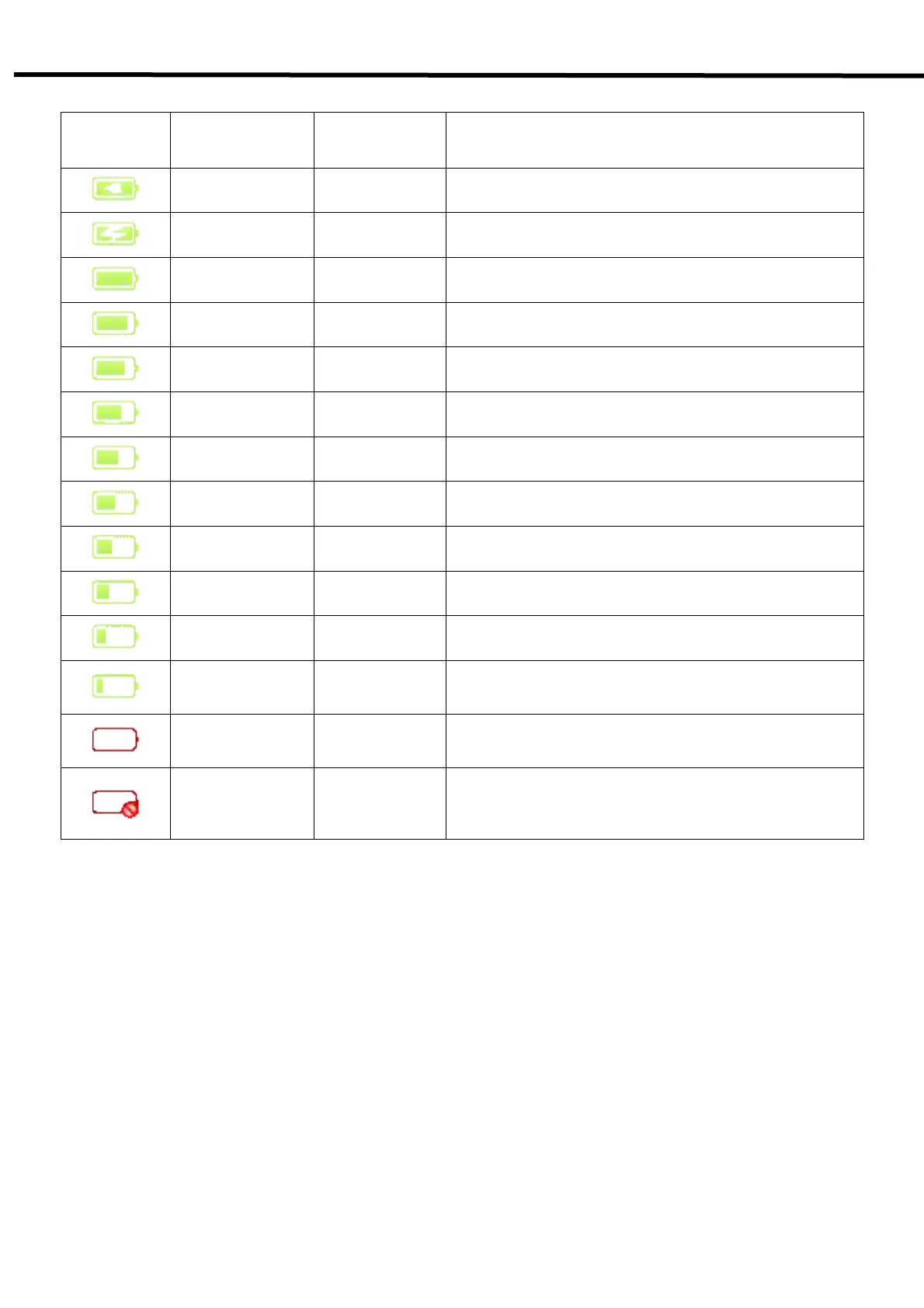
Table 5.3. Battery Remains Indicator
Display Status Ext. Pwr Required Actions
Charge
complement
Ext. cable
& battery
Ext. cable
charging
Ext. cable
& battery
100% Only battery
90~99% Only battery
80~89% Only battery
70~79% Only battery
60~69% Only battery
50~59% Only battery
40~49% Only battery
30~39% Only battery
20~29% Only battery
10~19% Only battery
Warning message is popped up at the bottom-right.
Recommend to change the battery.
0~9% Only battery
Warning message is popped up at the bottom-right.
Change the battery before the battery is discharged.
No Battery or
Error
Unkown
Change the battery.
If the problem cannot be resolved, ask for consultation to
your sales representative or local DRTECH dealer.



 To Next Page