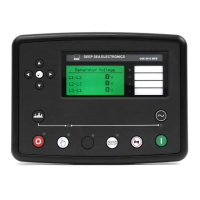
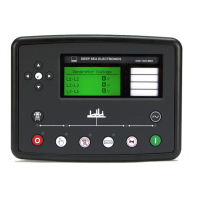
DSE Model 5210 Automatic Start Engine Management and Instrumentation System Operators Manual
057-011 5210 OPERATING MANUAL ISSUE 5.1 18/06/2007 AM 19
6.3 VIEWING THE INSTRUMENTS
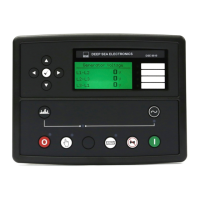
It is possible to scroll to display the different instruments by repeatedly operating the scroll button. Once selected
the instrument will remain on the LCD display until the user selects a different instrument or after a period of
inactivity, the module will revert to the initial display (Hz/RPM).
Instrument Page Order:-
• Generator RPM / Frequency (Hz)
• AC Voltage Line-Neutral
• AC Voltage Line-Line
• Oil Pressure
• Coolant temperature
• Fuel level (%)
• Engine Hours Run
• DC Battery Voltage
• AC Line Current
• AC Line power (kW)
• AC Line power (kVA)
• AC phase angle (cos
∅
)
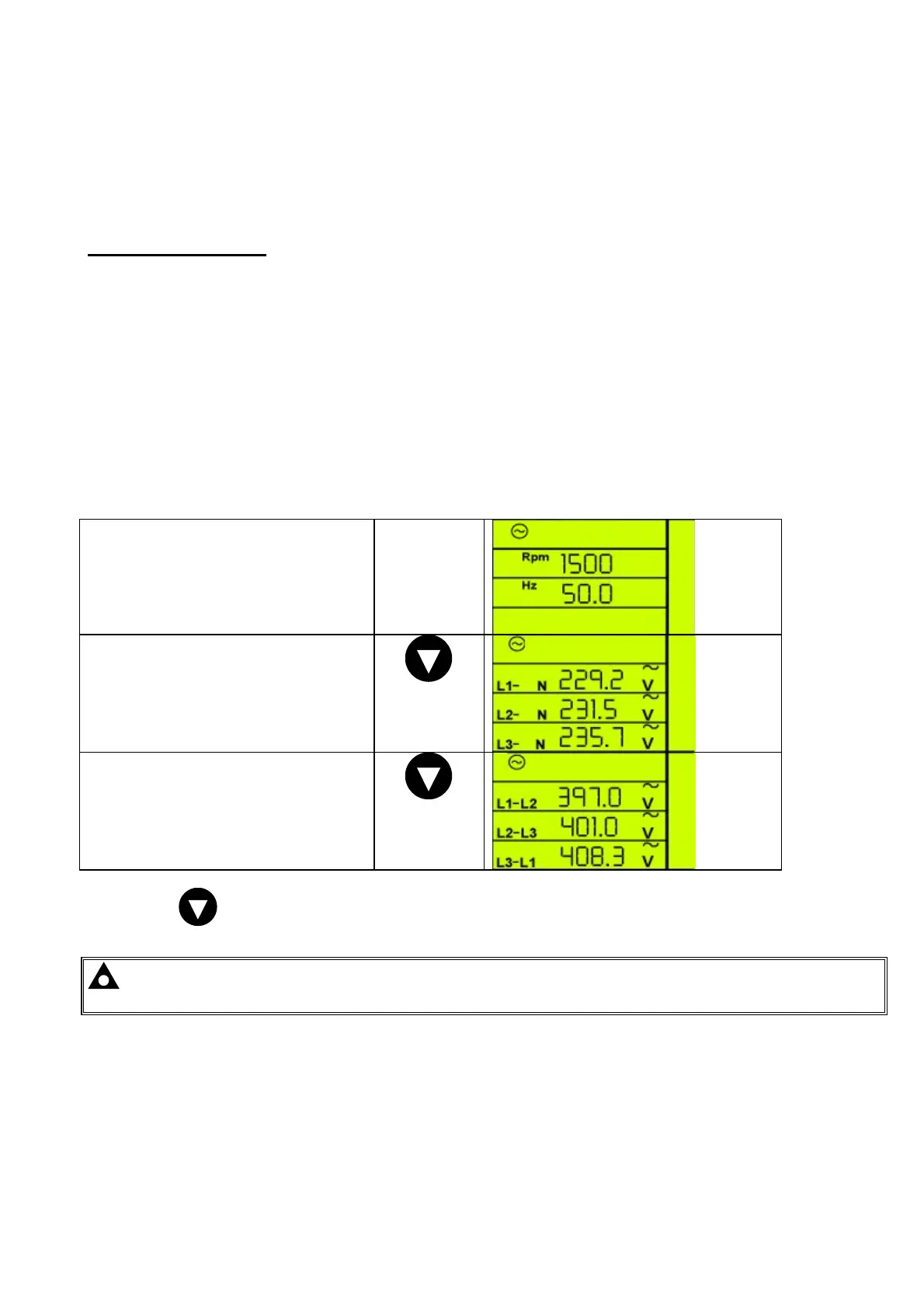
Manually Selecting an Instrument
Initial display (Hz/RPM)
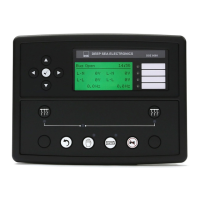
Pressing the DOWN button the LCD will
then show (Generator L-N voltages)
Pressing the DOWN button the LCD will
then show (Generator L-L voltages)
Pressing the
button again will scroll through each individual instrument eventually returning to the original
instrument displayed.
NOTE:-Once selected the instrument will remain on the LCD display until the user selects a different
instrument or after a period of inactivity, the module will revert to the initial display.
CALL US TODAY
1-888-POWER-58
REQUEST A QUOTE
parts@genpowerusa.com
SHOP ONLINE
www.genpowerusa.com


 To Next Page