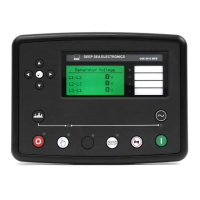
DSE Model 5210 Automatic Start Engine Management and Instrumentation System Operators Manual
057-011 5210 OPERATING MANUAL ISSUE 5.1 18/06/2007 AM 21
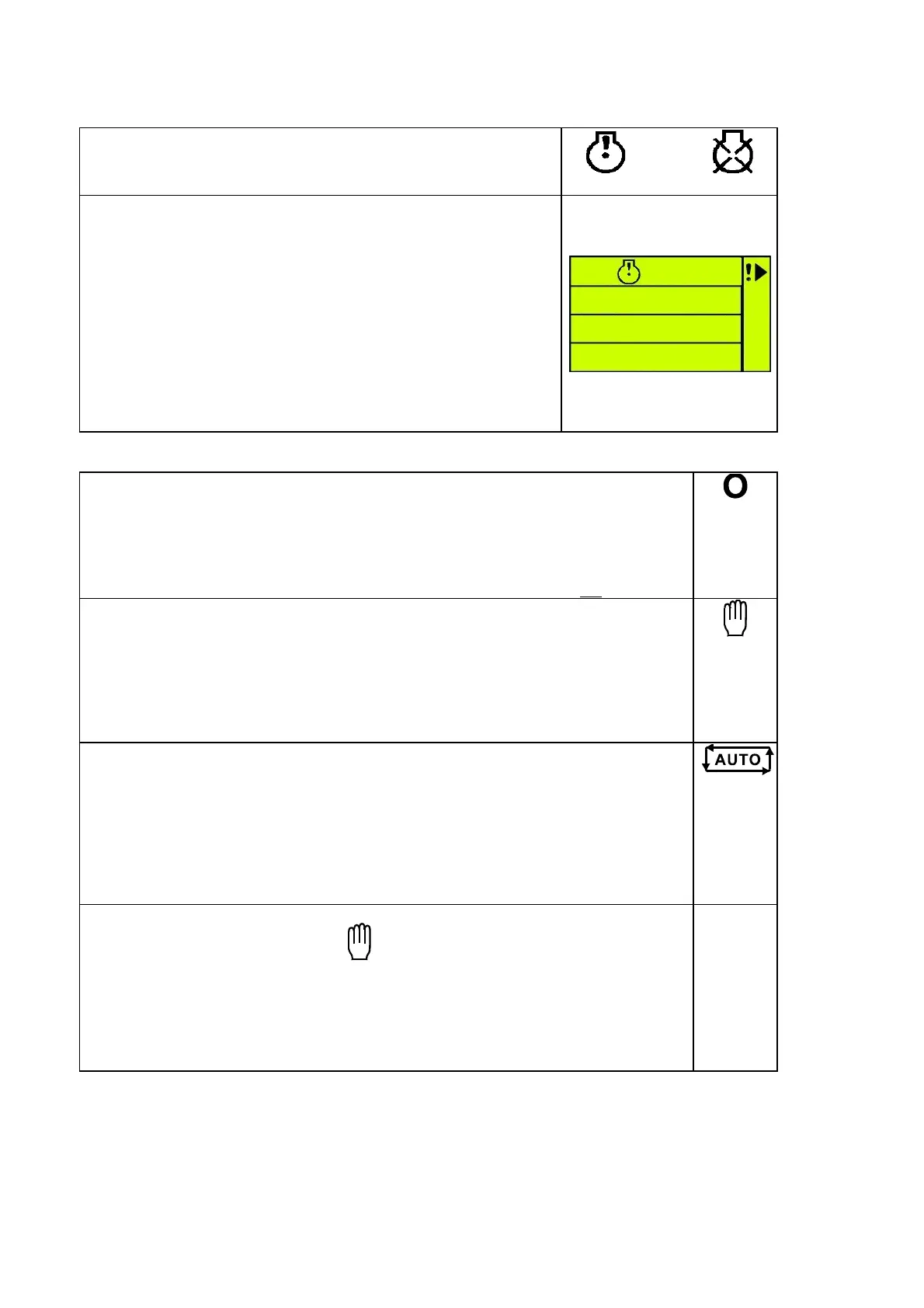
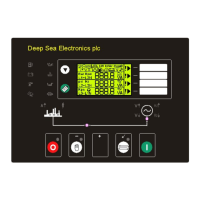
6.5 INDICATORS
COMMON ALARM LCD indicators
These indicate when an alarm condition is present. The Alarm
icons or LEDs will detail the exact nature of the alarm.
(warning) or
(shutdown)
USER CONFIGURABLE LCD INDICATORS
These LCD’s can be configured by the user to indicate any on of
the different functions based around the following:-
• INDICATIONS - Monitoring of a digital input and indicating
associated functioning user’s equipment - Such as Battery
Charger On or Louvres Open, etc.
• WARNINGS and SHUTDOWNS - Specific indication of a
particular warning or shutdown condition, backed up by LCD
indication (!)- Such as Low Oil Pressure Shutdown, Low Coolant
level, etc.
• STATUS INDICATIONS - Indication of specific functions or
sequences derived from the modules operating state - Such as
Safety On, Pre-heating, Generator Available, etc.
6.6 CONTROLS
STOP/RESET
This button places the module into its Stop/reset mode. This will clear any alarm
conditions for which the triggering criteria have been removed. If the engine is running
and this position is selected, the module will automatically instruct the changeover
device to un-load the generator (‘Load transfer’ becomes inactive (if used)). The fuel
supply will be removed and engine will be brought to a standstill. Should a remote
start signal be present while operating in this mode, a remote start will not
occur.
MANUAL
This mode is used to allow manual control of the generator functions. Once in Manual
mode the module will respond to the start (I) button and start the engine and run off
load. If the engine is running off-load in the Manual mode and a remote start signal
becomes present, the module will automatically instruct the changeover device to
place the generator on load (‘Load transfer’ becomes active (if used)). Should the
remote start signal then be removed the generator will remain on load until either the
‘STOP/RESET’ or ‘AUTO’ positions is selected.
AUTO
This button places the module into its ‘Automatic’ mode. This mode allows the
module to control the function of the generator automatically. The module will monitor
the remote start input and once a start condition is signalled the set will be
automatically started and placed on load (‘Load transfer’ becomes active (if used)). If
the starting signal is removed the module will automatically transfer the load from the
generator and shut the set down observing the stop delay timer and cooling timer as
necessary. The module will then await the next start event. For further details, please
see the more detailed description of ‘Auto Operation’ earlier in this manual.
START
This button is only active in MANUAL
mode. Pressing this button in manual mode
will start the engine and run off load. If the engine is running off-load in the Manual
mode and a remote start signal becomes present, the module will automatically
instruct the changeover device to place the generator on load (‘Load transfer’
becomes active (if used)). Should the remote start signal then be removed the
generator will remain on load until either the ‘STOP/RESET’ or ‘AUTO’ positions is
selected.
I
CALL US TODAY
1-888-POWER-58
REQUEST A QUOTE
parts@genpowerusa.com
SHOP ONLINE
www.genpowerusa.com


 To Next Page