SLICE User’s Manual support@dtsweb.com
Version 1.0 - May 2010 28 ©DTS, Inc. - All Rights Reserved
5.3.1. Software Installation
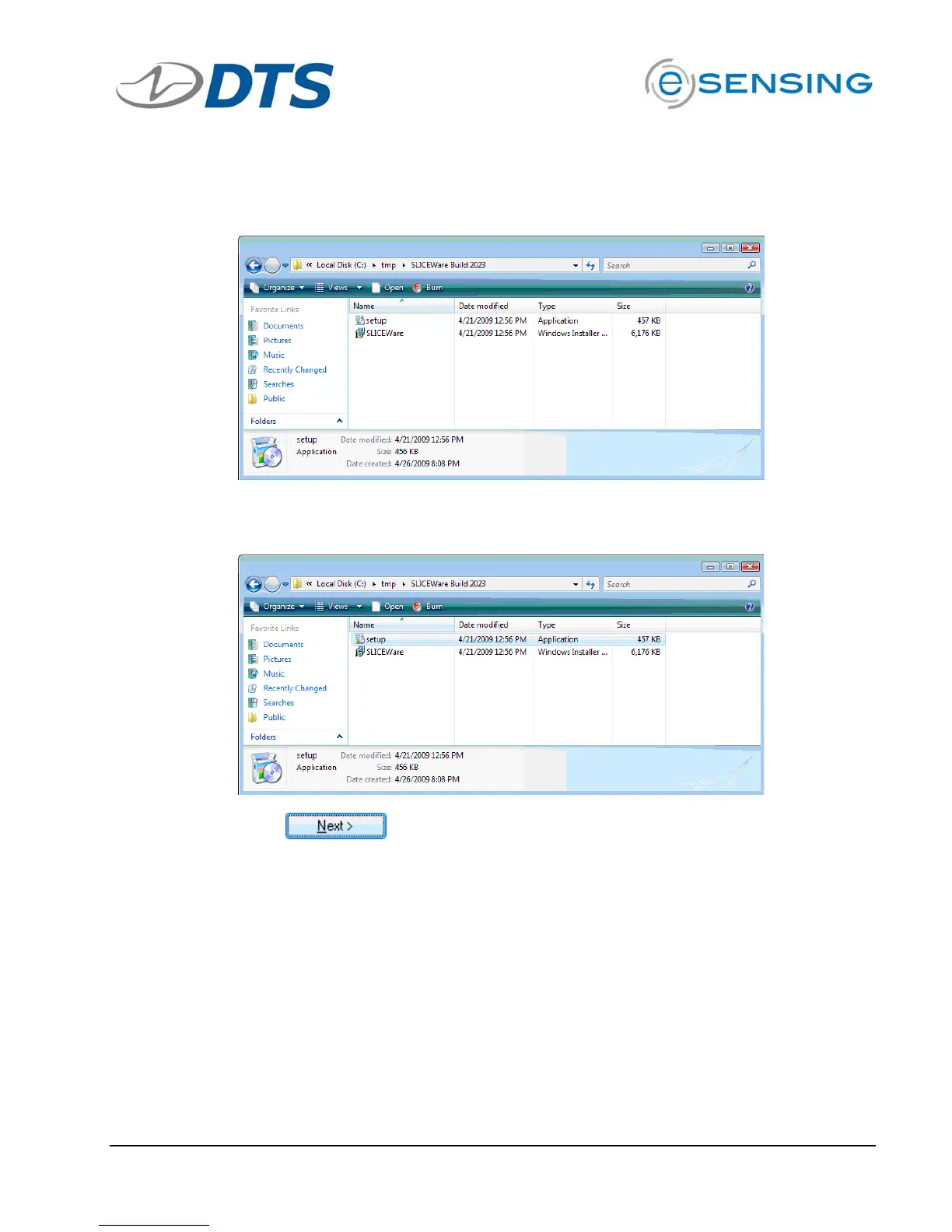
Locate the installation files on the CD or flash drive provided.
Double-click the “set-up.exe” file to begin installation.
Click
for each of the screens: set-up wizard, driver installation,
installation folder and confirming installation.


 To Next Page