SLICE User’s Manual support@dtsweb.com
Version 1.0 - May 2010 35 ©DTS, Inc. - All Rights Reserved
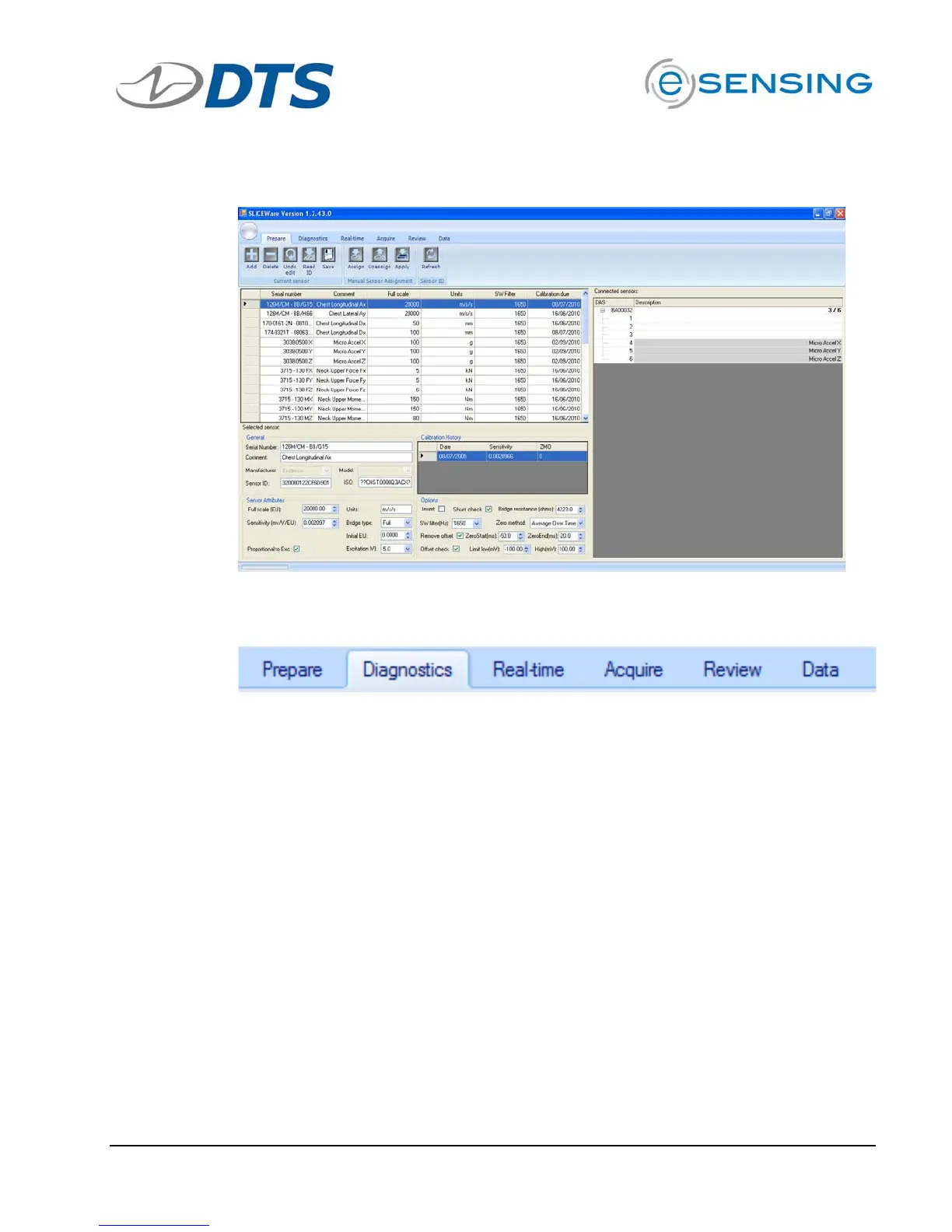
SLICE hardware appears on right hand side …
Click Diagnostics tab …
This tab ensures that the connected hardware is operating normally.
Hardware diagnostics include checks for battery level, excitation voltage,
noise and expected offset.


 To Next Page