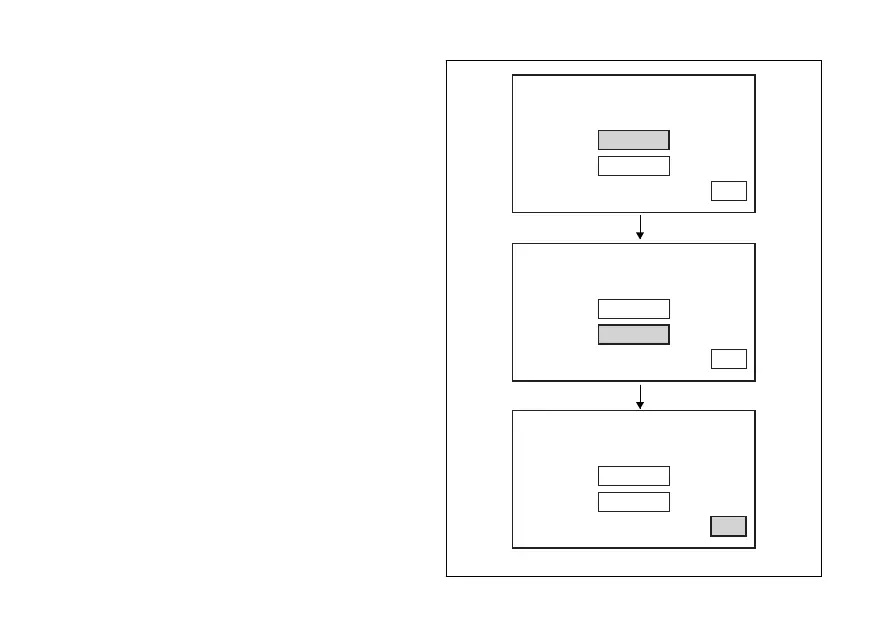
Setting the units of measurement: Temperature
This function allows you to change the units of
measurement of the temperature.
You open the "UNITS SETTING" menu, as described
on the previous pages. Select "TEMPERATURE"
option, by pressing button (1) or (2).
Once function is highlighted, press button (4).
You open the "TEMPERATURE" menu. When you
enter the function, the current unit of measurement is
displayed, followed by the list of the possible units:
°C, °F.
Press buttons (1) and (2) to highlight the units of
measurement one by one: in particular, use button (1)
to highlight the following item and button (2) to
highlight the previous item. Select the required unit of
measurement and then press the button (4) to
confirm: the selected unit is stored and the EXIT
option is highlighted.
The selected unit of measurement will be used by the
instrument panel for the following indications:
- Engine coolant temperature and ambient air
temperature.
°C
°C
°F
TEMPERATURE
EXIT
°C
°C
°F
TEMPERATURE
EXIT
°C
°F
°F
TEMPERATURE
EXIT
Fig. 90
146












 To Next Page