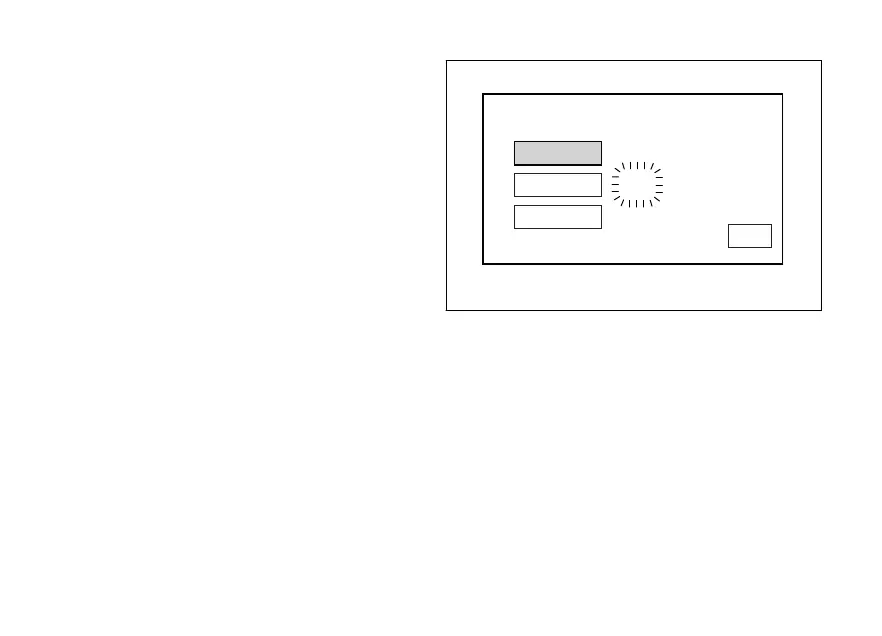
When entering the function, available settings are
indicated on the left: HOUR, MINUTE, AM / PM, while
current time is indicated on the right (e.g.: 10 : 57
a.m.).
Setting the hours
Select "HOUR" option, by pressing button (1) or (2).
Once highlighted, press CONFIRM MENU button (4).
Hour value starts flashing.
Press button (1) to decrease hour value by 1 unit: 12 to
01 and then again from 12.
Press button (2) to increase hour value by 1 unit: 01 to
12 and then again from 01.
Hold down button (1) or (2) for over a second to
automatically decrease or increase units until button
is released.
Once you reach the value to be set, press CONFIRM
MENU button (4) and the set hour will stop flashing.
HOUR
CLOCK SETTING
MINUTE
10:57AM
AM/PM
EXIT
Fig. 102
158












 To Next Page