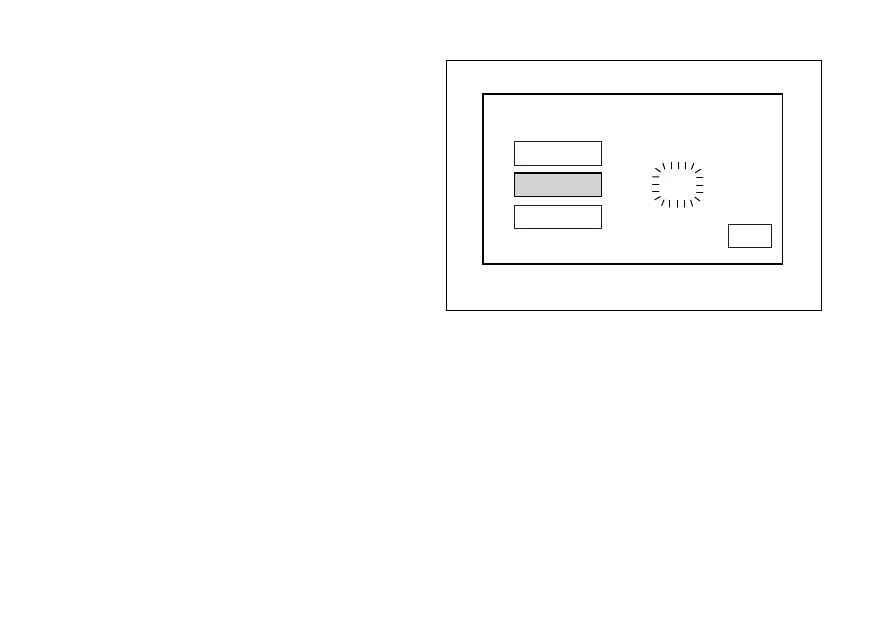
Setting the minutes
Select "MINUTE" option, by pressing button (1) or (2).
Once highlighted, press CONFIRM MENU button (4).
Minute value starts flashing.
Press button (1) to decrease minute value by 1 unit:
59, 58, ... 00, 59.
Press button (2) to increase minute value by 1 unit: 00,
01, ... 59, 00.
Hold down button (1) or (2) for over a second to
automatically decrease or increase units until button
is released.
Once you reach the value to be set, press CONFIRM
MENU button (4) and the set minutes will stop
flashing.
HOUR
CLOCK SETTING
MINUTE
10:57AM
AM/PM
EXIT
Fig. 103
159












 To Next Page