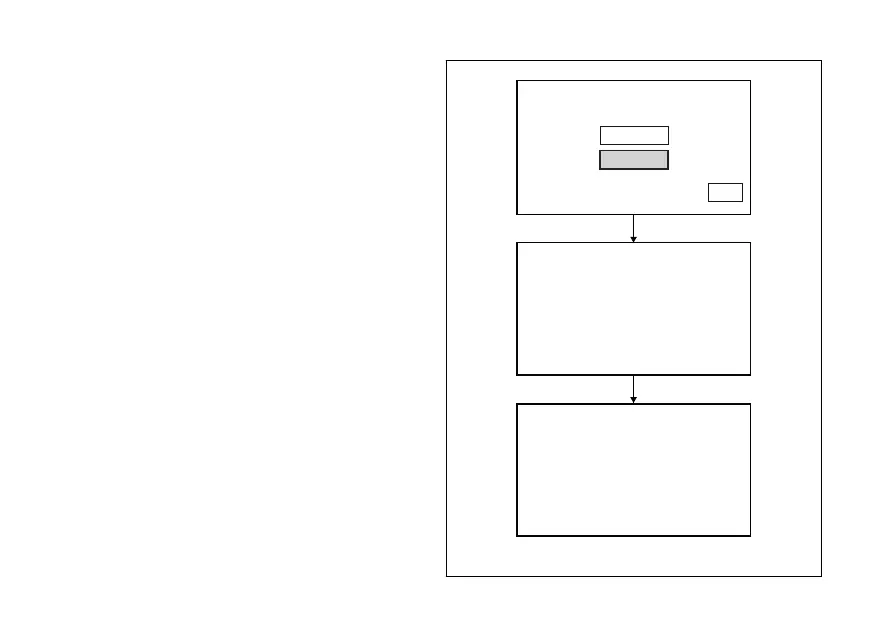
Restoring default settings
Open the TIRE SETTING Menu.
Then use buttons (1) and (2) to select DEFAULT and
keep button (4) pressed for 3 seconds.
For a few seconds the message PLEASE WAIT... will
be on the display.
If the procedure for restoring the default settings is
successful, DEFAULT OK will be displayed for 2
seconds and after a few seconds it will be
automatically replaced with the main screen.
START
DEFAULT
TIRE SETTING
EXIT
TIRE SETTING
DEFAULT
PLEASE WAIT...
TIRE SETTING
DEFAULT
DEFAULT OK
Fig. 121
178












 To Next Page