18
Dukane Manual Part No. 403–566–01
DPC
™
II Plus and EZ Welder System – User’s Manual
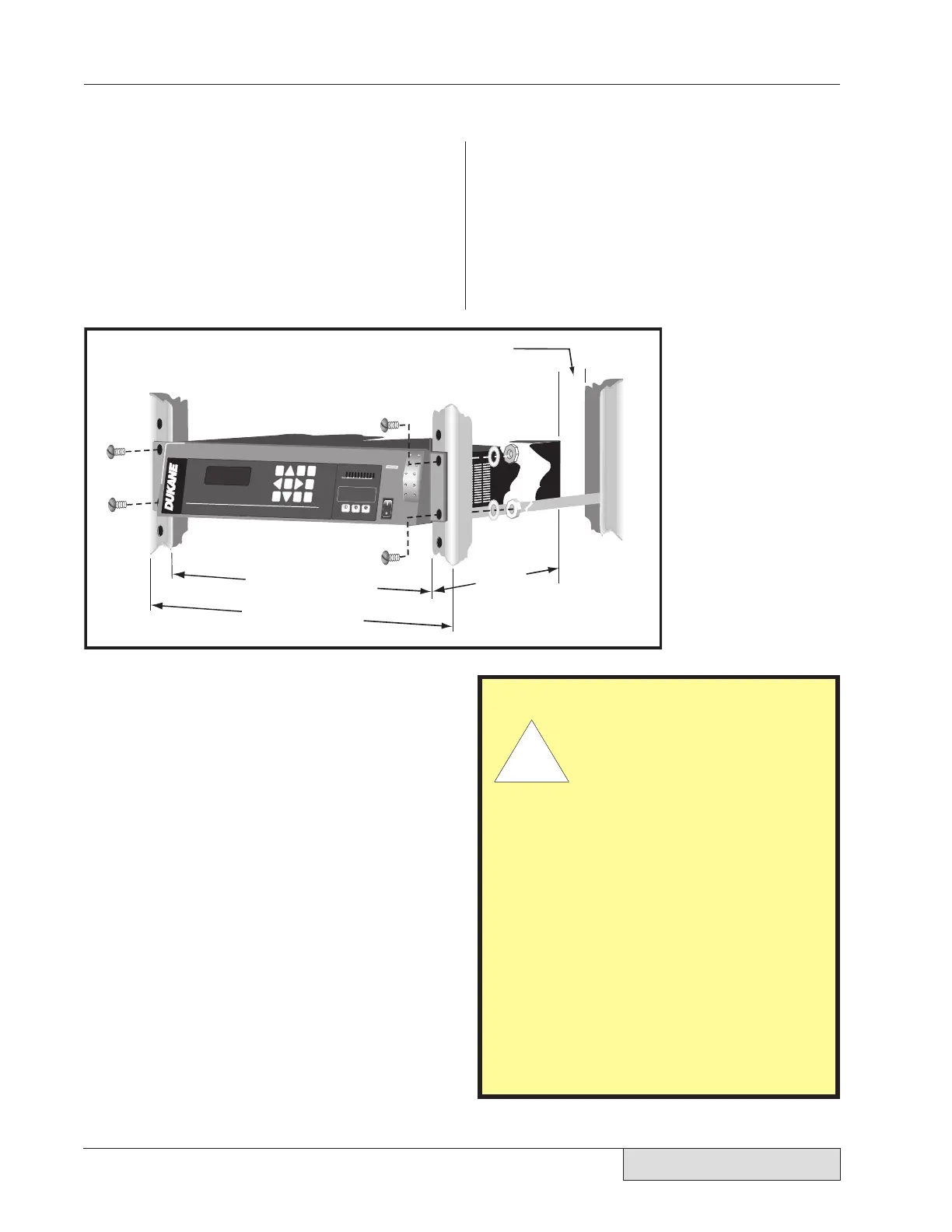
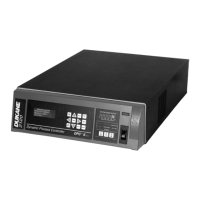
Figure 3-2 shows the use of a bracket kit in
mounting a DPC to a 19-inch equipment rack.
(Contact Ultrasonic Sales at Dukane, and request
Part Number US-1155.) The DPC illustrated
has the standard, angled front panel of impact-
resistant ABS plastic.
Rack Mounting
2200
STATUS
F
A
U
L
T
O
N
L
I
N
E
I
N
P
U
T
T
E
S
T
O
V
E
R
T
E
M
P
O
V
E
R
L
O
A
D
O
F
F
L
I
N
E
0
20
40
60
80 100
P
E
R
C
E
N
T
A
G
E
O
F
A
V
A
I
L
A
B
L
E
P
O
W
E
R
PERCENTA
GE OF AVAI
LABLE POW
ER
S
Y
S
T
E
M
P
O
W
E
R
O
U
T
P
U
T
O
N
L
I
N
E
W
E
L
D
P
1
W
E
L
D
P
1
A
M
P
.
A
D
J
U
S
T
G
E
N
.
O
I
N
F
O
.
C
A
N
C
E
L
E
N
T
E
R
W
E
L
D
P
1
M
O
D
E
+
–
T
E
S
T
O
F
F
L
I
N
E
Dynamic Process Controller
Dynamic
P
roc
ess
C
o
nt
ro
ller
D
PC II Plus
Approximate
17.35 inches (44 cm)
Approximate
22.25 in
(57 cm)
19 inches (48 cm)
Allow 5 inches (13 cm) of space behind the DPC for cables
CAUTION
Allow space for air
venti-
lation around the DPC II
Plus chassis, air intake and
exhaust. The fan draws in
fresh air to cool the inter-
nal components,
reduce
thermal gradients and
increase component life.
When viewed from the
front, the fresh air intake is
on the right and the hot air
exhaust is on the left side.
If excessive dust accumulates
in the slots, wipe or vacuum
them clean. Do not use com-
pressed air as this may force
the dust inside the chassis.
Figure 3-2 Rack-mounted DPC Using Bracket Kit


 To Next Page