96
When a Document Jam Has Occurred
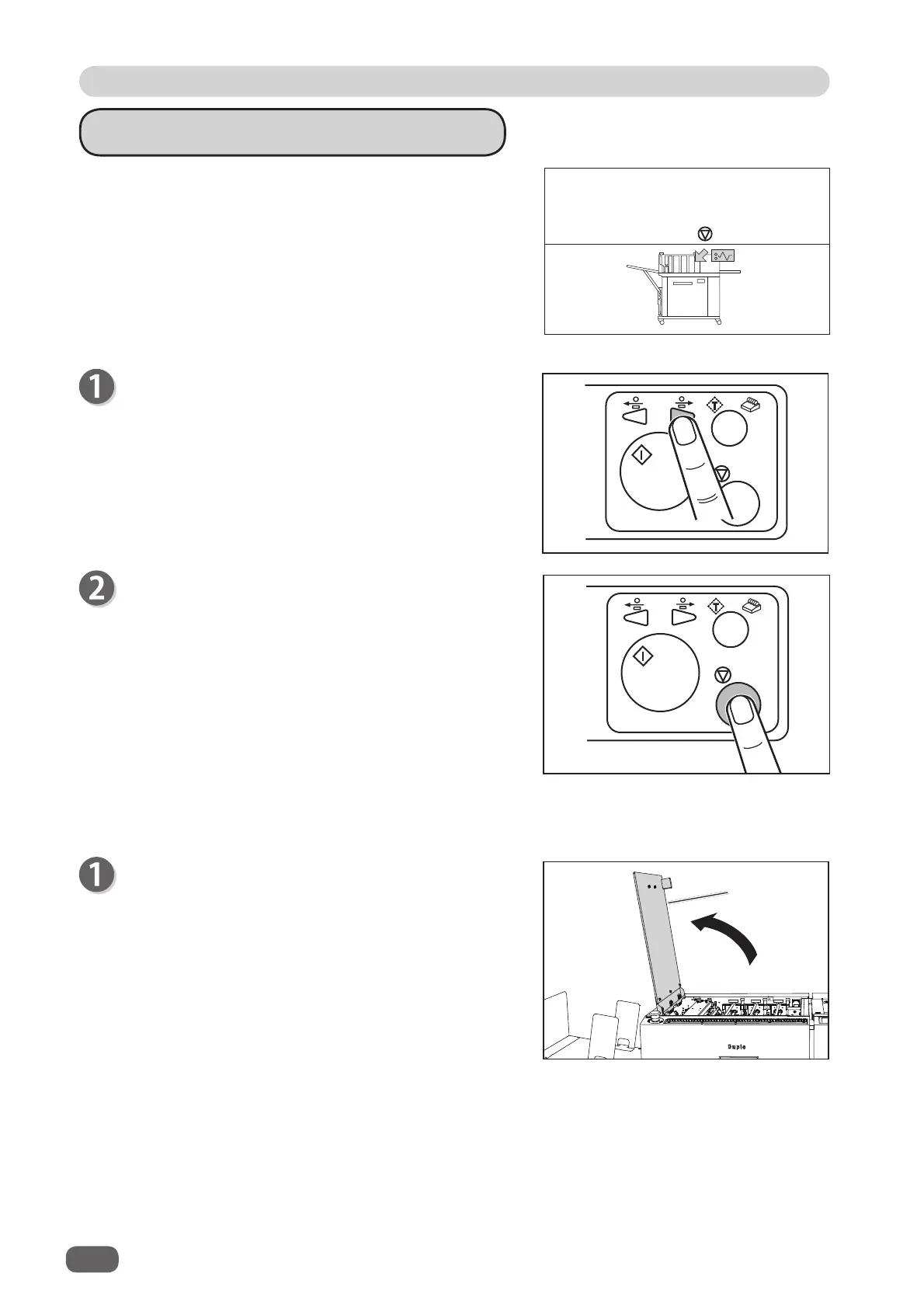
J04 CHECK CCD SECTION
A document jam has occurred in the CCD section.
Follow the procedures below to remove the jammed
documents.
Press the STOP key to clear the error.
The DC-618 is reset and the error message is
cleared.
If you cannot remove the jammed documents in the procedure above, follow the procedure below.
Open the
top cover
.
1
2
3
J04- * CHECK CCD SECTION
Remove documents from CCD section.
to clear
Press the JOG (backward) key to eject the
document.
Top cover



 To Next Page