Accessing the EN-204 via a Web Browser
67
5.4.4.5 Port
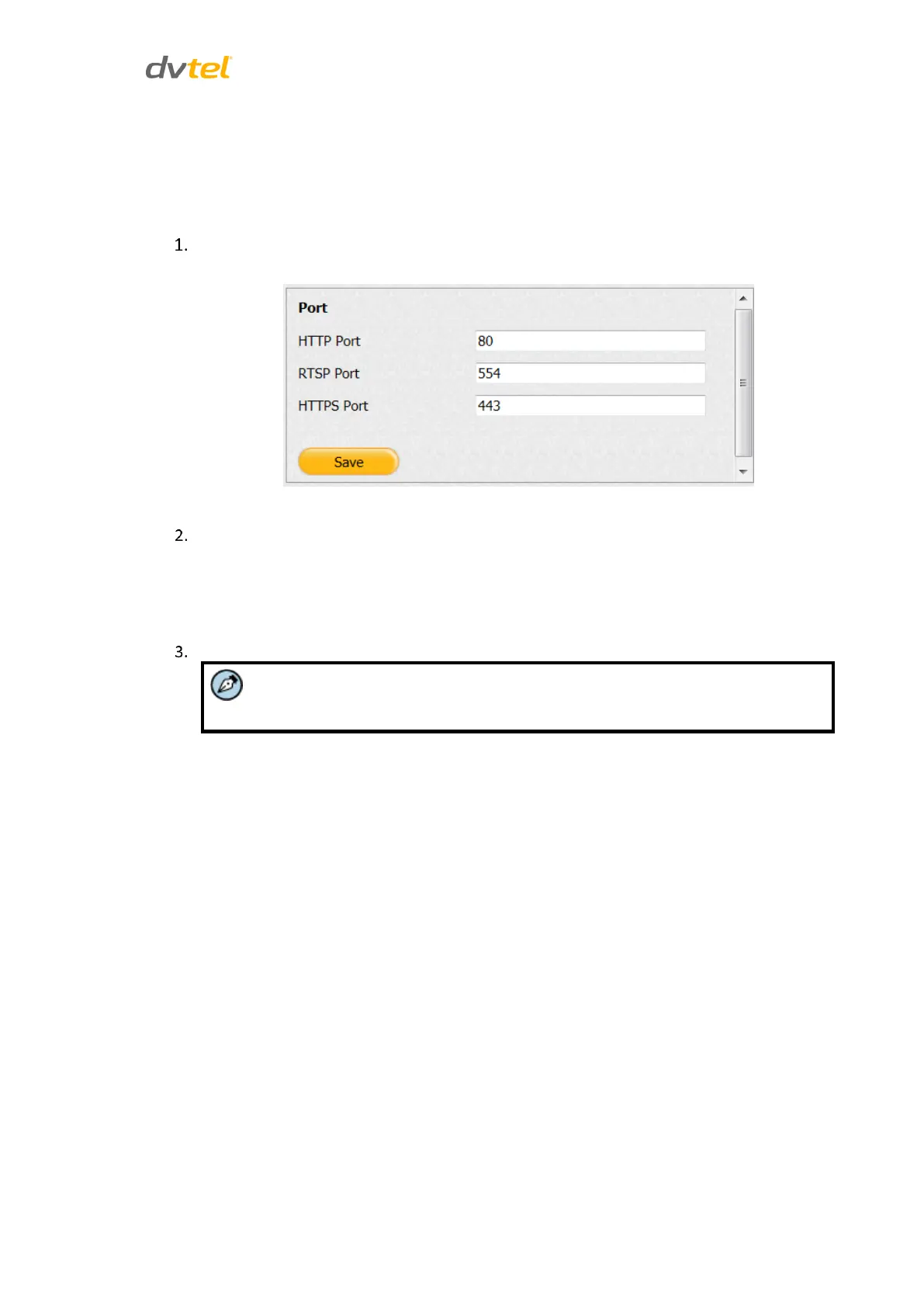
The Port screen is used to set the port numbers used for HTTP, RTSP, and HTTPS.
To enter port settings
From the Configuration sidebar menu, select Network Settings > Port. The Port screen
opens.
Figure 65: Port Screen
Configure the following settings:
HTTP Port – The default port number is 80
RTSP Port – The default port number is 554
HTTPS Port – The default port number is 443
Click Save.
You must reboot the unit in order to activate the settings.



 To Next Page