Accessing the EN-204 via a Web Browser
71
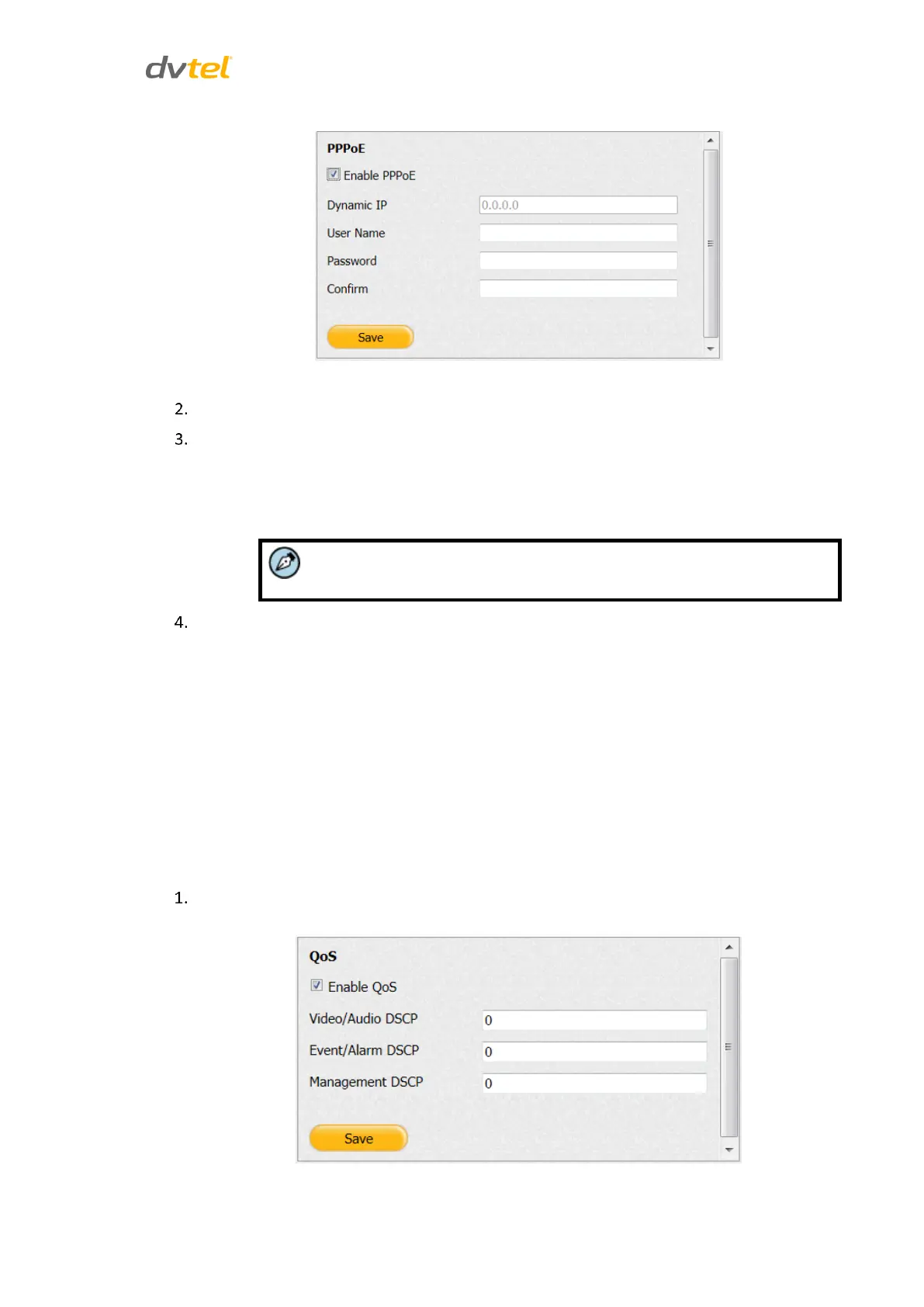
Figure 68: PPPoE Screen
Check Enable PPPoE to use this protocol.
Enter the following parameters:
In the User Name text box, enter the user name registered with your ISP.
In the Password text box, enter the password registered with your ISP.
In the Confirm text box, re-enter the password.
The Dynamic IP field is disabled.
Click Save.
5.4.4.9 QoS
QoS (Quality of Service) helps to solve network delay and network congestion by configuring the
priority in which data is sent. A QoS-aware network can thus allow critical flows to be served
before flows with lower priority.
The encoder can mark the IP header in the data packets for video/audio, event/alarm and
management network traffics with different DSCP (Differentiated Services Code Point) values. The
DSCP value defines the priority level for the specified type of traffic. It is important to synchronize
the encoder’s QoS setting with the network routers’ QoS setting.
To configure QoS settings
From the Configuration sidebar menu, select Network Settings > QoS. The QoS screen
opens.
Figure 69: QoS Screen



 To Next Page