Autopilot Operation
SkyView SE Pilot’s User Guide - Revision I 7-9
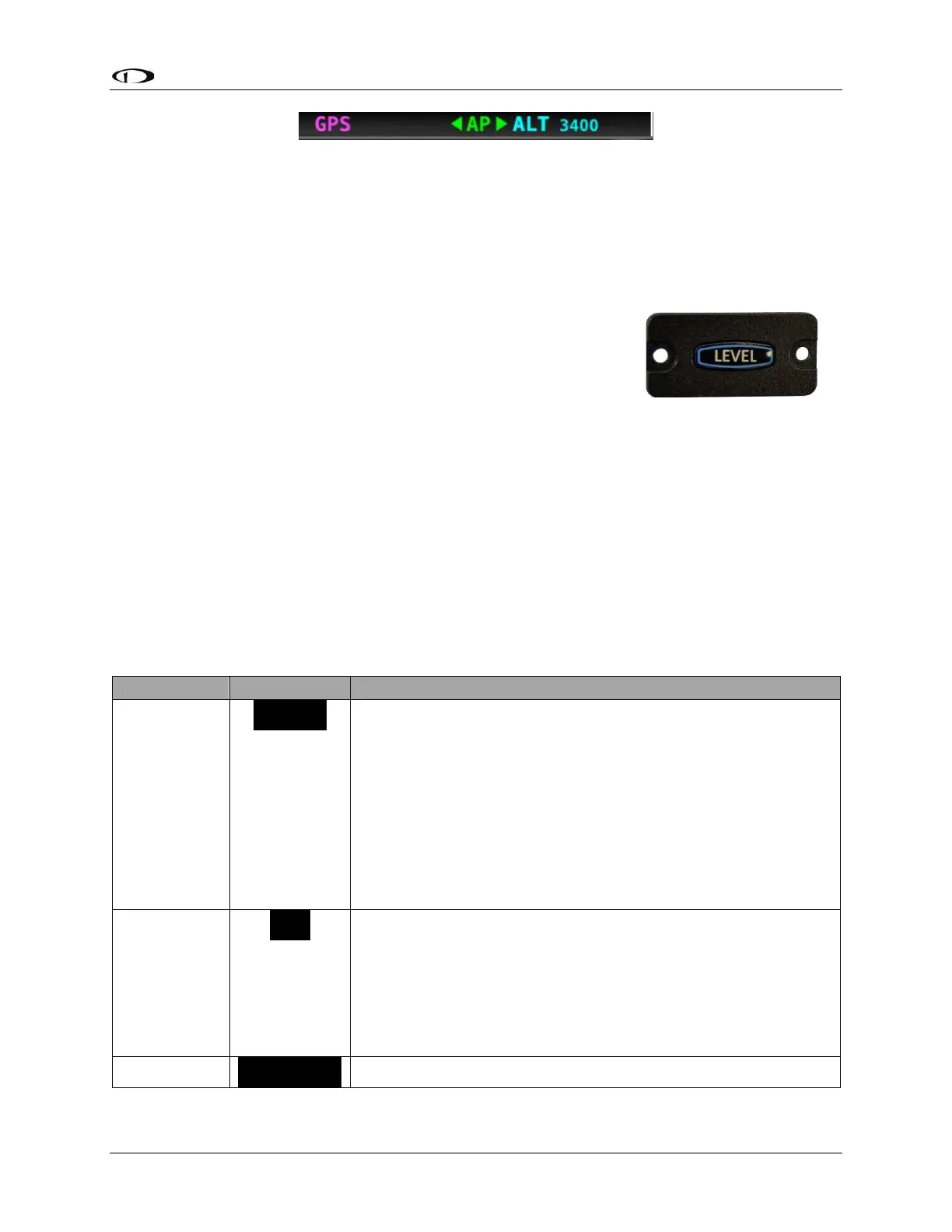
Figure 61 – HSI Source and Target Altitude in Top Bar
To disengage the autopilot, press Button 4 again, turning the button black, or press the
autopilot disconnect switch.
HSI+ALT will be unavailable and grayed-out if there is no valid external GPS navigation source
(with active CDI), or if the autopilot is outside of its allowable engagement speed ranges.
LEVEL (Requires optional SV-BUTTON-LEVEL)
If an SV-BUTTON-LEVEL (shown at right) is installed and properly
configured, pressing the SV-BUTTON-LEVEL will command the AP
to immediately attempt to reach zero vertical speed and a roll
angle of zero. Level mode will not attempt to fly the aircraft to any
previous altitude or track and it will not respect any bug inputs. When activated, Level Mode
will cause the autopilot to engage if it was not already engaged. For safety in emergency
situations, subsequent presses of the LEVEL button do not disengage level mode (unlike other
AP mode switches).
To disengage the autopilot, press the autopilot disconnect switch. Alternatively, change to one
of the other autopilot modes by pressing the TRK+ALT or HSI+ALT buttons.
Autopilot Modes
The following table summarizes the different autopilot modes of operation for the roll axis as
annunciated in the Top Bar.
Track hold mode keeps the aircraft flying in a particular direction,
as determined by the GPS’s ground track, or direction of travel over
the ground. This target is reflected by the track (TRK) bug in the HSI.
When the autopilot is initially engaged, the TRK bug will
automatically be synchronized to the current ground track of the
aircraft. Effectively, this means that the autopilot will keep flying in
the same direction that the aircraft was flying in the moment
before the autopilot was engaged. After the autopilot is engaged,
change the track you want the autopilot to fly by adjusting the TRK
bug.
In HSI mode, the autopilot will fly the lateral course guidance that is
displayed on the HSI from the provided source. For example, if the
selected HSI source is the SkyView SE GPS, and there is an active
Flight Plan, the autopilot will fly that flight plan. Or if the source is a
VOR the autopilot will seek to capture and hold the set CRS to or
from the VOR. If the HSI source provided GPS roll steering
commands (GPSS) the autopilot will follow those commands.
Holds the aircraft in a wings level attitude (zero degrees roll).
Figure 63 – Autopilot Roll Modes
Figure 62 – SV-BUTTON-LEVEL



 To Next Page