Autopilot Operation
7-10 SkyView SE Pilot’s User Guide - Revision I
The following table summarizes the different autopilot modes of operation for the pitch axis.
Altitude hold mode keeps the aircraft flying at a particular altitude.
The altitude that the autopilot holds is governed by the ALT
(altitude) bug. When the autopilot is initially engaged, the ALT bug
will automatically be synchronized to your current altitude.
Effectively, this means that the autopilot will maintain the altitude
that the aircraft was at the moment before the autopilot was
engaged. After the autopilot is engaged, you may adjust the
altitude that the autopilot holds by adjusting the ALT bug.
Vertical
Speed Hold
to Altitude
Capture
Moving the ALT (altitude) bug away from the current altitude
(when already holding altitude) automatically initiates a climb or
descent to the new altitude in vertical speed mode.
The rate of climb or descent during autopilot controlled changes in
altitude is governed by the VS (vertical speed) bug. When the
autopilot is engaged and a new altitude is selected, the Autopilot
will automatically choose one of two preset default vertical speeds
to perform that altitude change, depending on whether or not the
Autopilot needs to climb or descend. These default climb and
descent vertical speeds are configured during Autopilot setup. See
the SkyView Classic / SE / HDX System Installation Guide for further
details on adjusting these defaults. Once the Autopilot is climbing
or descending to a new altitude, the VS bug can be adjusted by the
pilot at any time.
Holds the aircraft level by holding zero vertical speed.
Figure 64 – Autopilot Pitch Modes
If a GPS signal is not available, neither autopilot mode will be available.
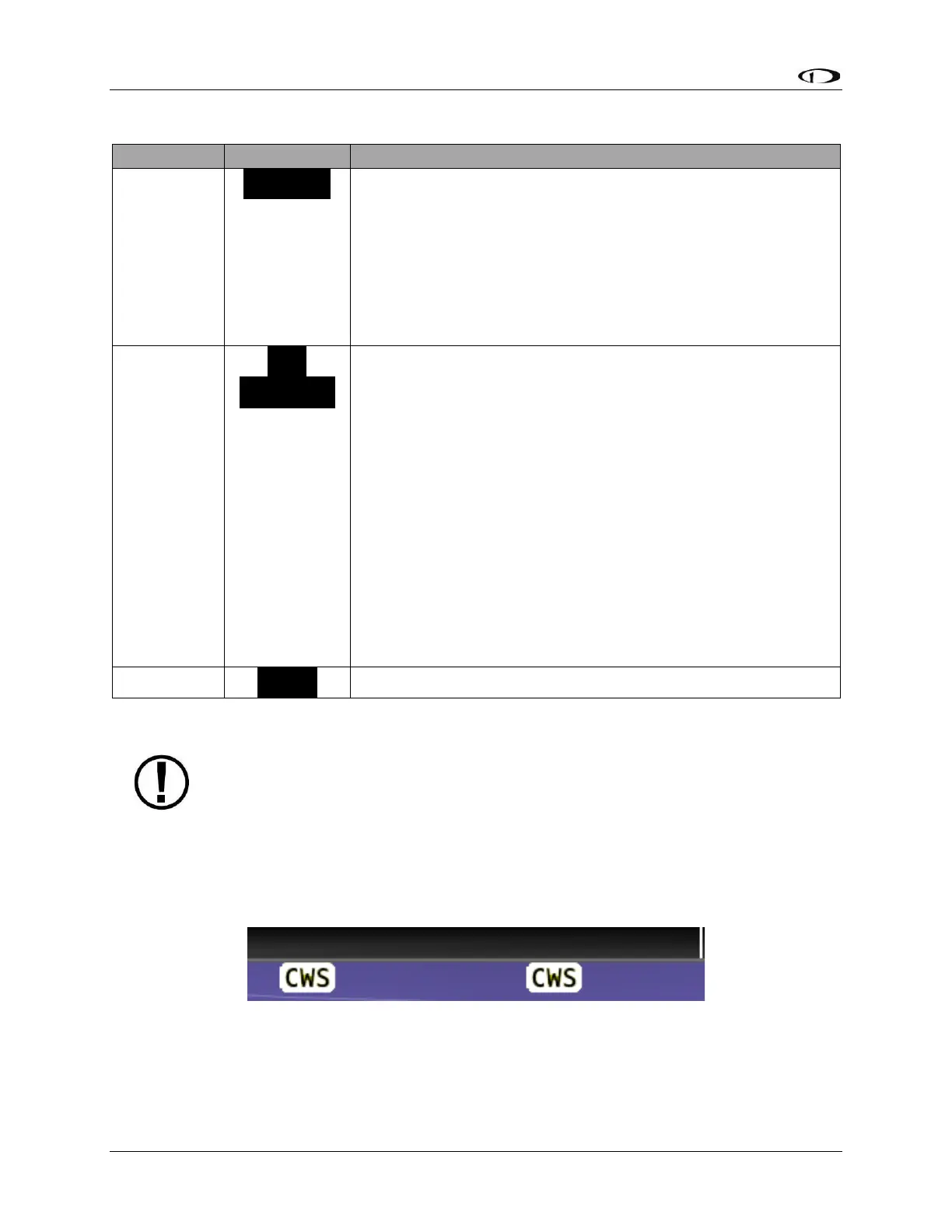
Control Wheel Steering
When the autopilot is engaged, press and hold the Autopilot disconnect switch to put the
autopilot into Control Wheel Steering mode.
Figure 65 – Control Wheel Steering Active
While Control Wheel Steering mode is active, the Autopilot servos are temporarily disengaged.
This lets you fly the aircraft by hand for short periods to make an adjustment to the autopilot’s
targets without completely disengaging the Autopilot.



 To Next Page