Autopilot Operation
SkyView SE Pilot’s User Guide - Revision I 7-11
When the disconnect switch is released, the Autopilot’s targets are adjusted as follows:
When in TRK+ALT mode:
o Pitch axis: The ALT bug (and therefore the Autopilot’s altitude target) is
synchronized to the aircraft’s current altitude.
o Roll axis: The TRK bug (and therefore the Autopilot’s track target) is synchronized
to the aircraft’s current GPS ground track.
When in HSI+ALT mode:
o Pitch axis: The ALT bug (and therefore the Autopilot’s altitude target) is
synchronized to the aircraft’s current altitude.
o Roll axis: No change. The roll axis resumes tracking its HSI source.
The Control Wheel Steering feature can be enabled and disabled via the Autopilot Setup Menu.
See the SkyView Classic / SE / HDX System Installation Guide for details.
Hold To Engage
When the autopilot is not already engaged, press and hold the Autopilot disconnect switch will
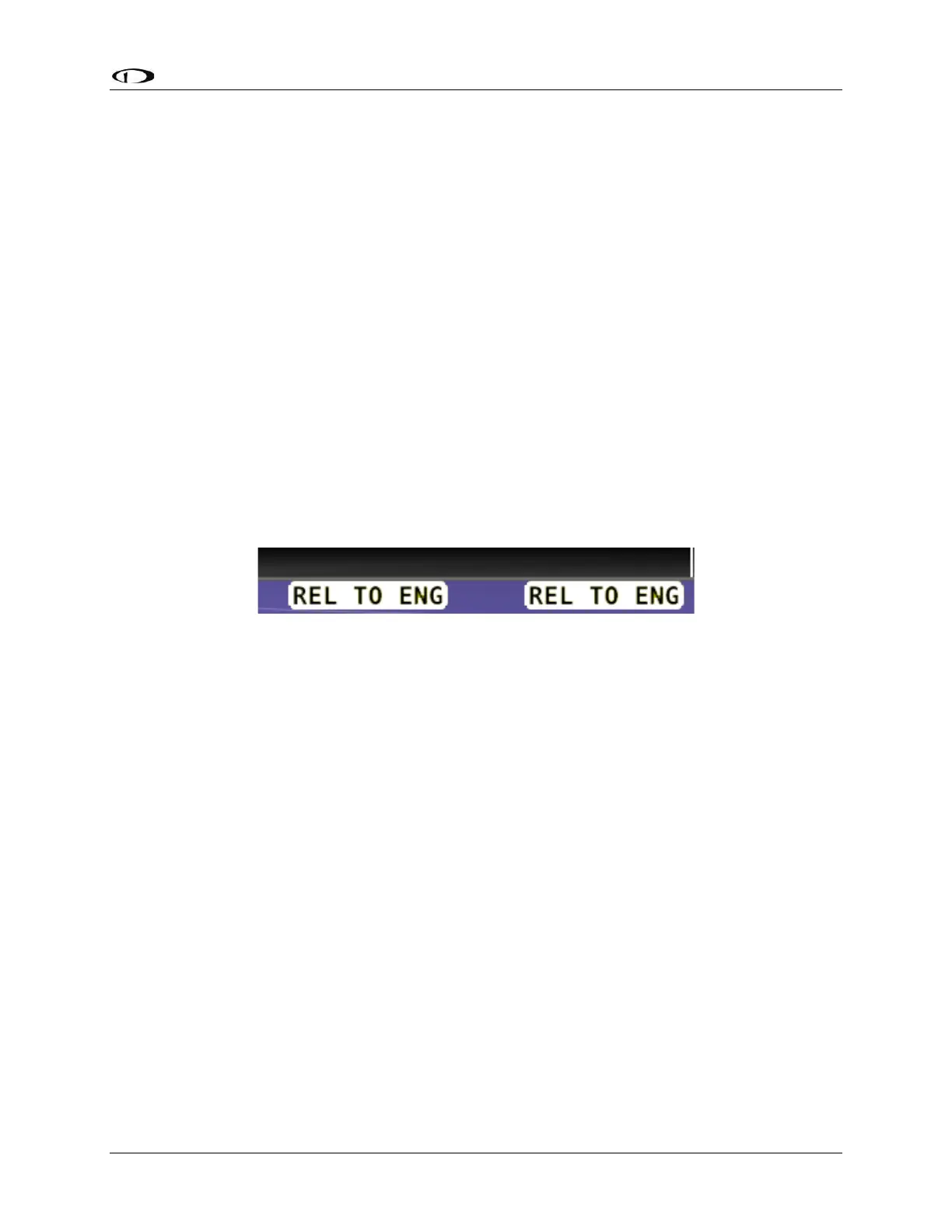
place the autopilot into Hold To Engage mode. The Top Bar annunciates REL TO ENG (release to
engage) while the disconnect switch is held.
Figure 66 – Hold to Engage Indicator
When the disconnect switch is released, the Autopilot engages in TRK+ALT mode, and the TRK
and ALT targets are both synchronized to the aircraft’s current GPS ground track and altitude.
Effectively, this operation is the same as pressing the TRK+ALT button in the Autopilot menu.
The Hold To Engage feature can be enabled and disabled via the Autopilot Setup Menu. See the
SkyView Classic / SE / HDX System Installation Guide for details.
Single Axis Operation
If only one axis is installed the autopilot control buttons reflect the actions available for the
single axis that can be controlled.



 To Next Page