2388-MANUL-V10.00.00-UTP2 Operating Manual
Page 18 of 74
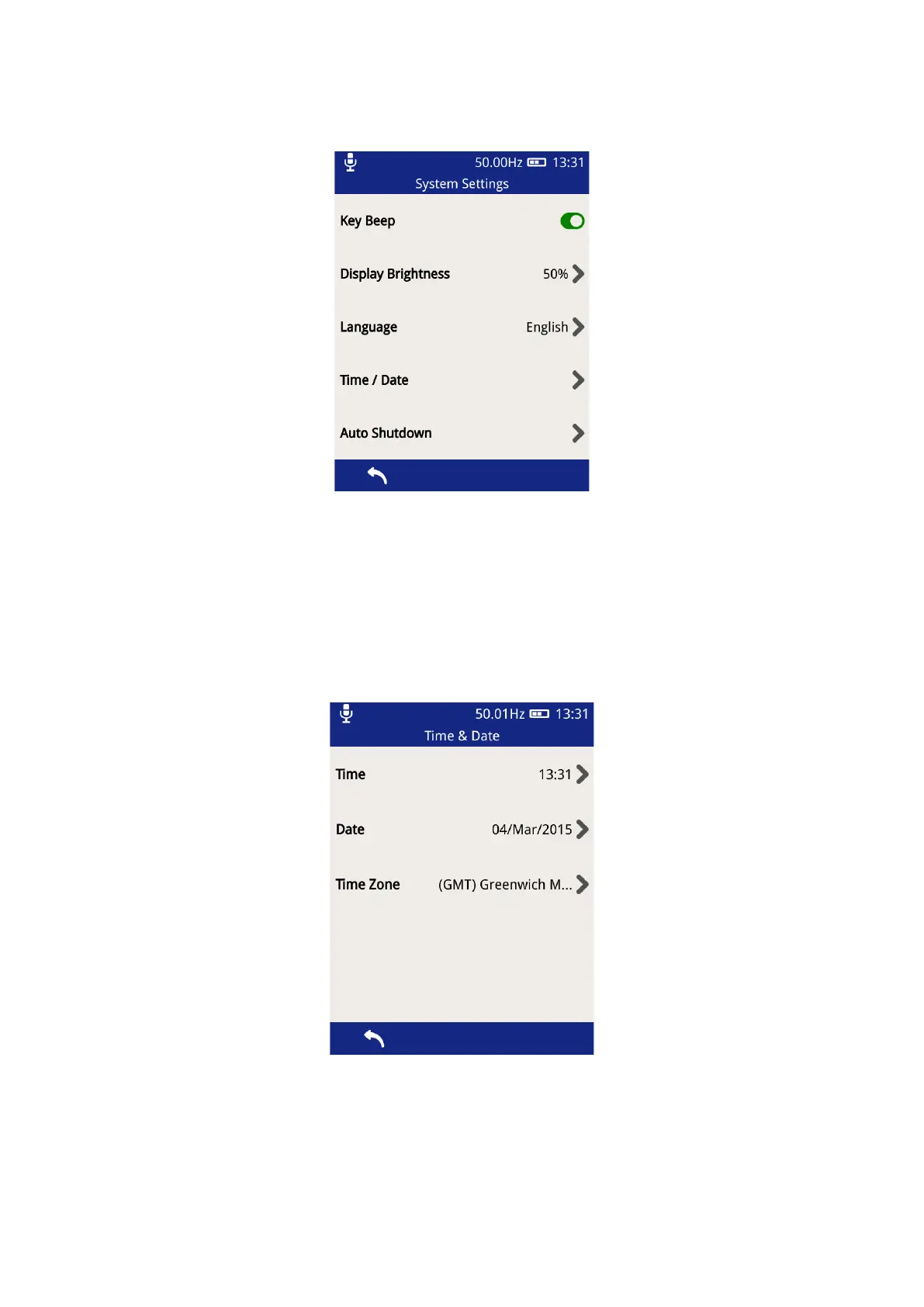
3.12.1 System Settings
• Key Beep – allows the turning ON/OFF of the audible beeps when any of the buttons are pressed and
when a NFC tag is detected. The button toggles to a green colour when Key Beep is activated.
• Display Brightness – click on this to change the intensity of the backlight. Keeping the backlight to a
minimal level will improve battery life.
• Language – select this option to change the UTP2 display language.
• Time/Date – select this option to change the Time and Date settings on the UTP2. The time zone can
also be changed here as shown below.
• Auto Shutdown – this option can be used to Enable/Disable the Auto shutdown feature of the UTP2.
After a defined period of push button inactivity, the UTP2 will display a warning message and then
proceed to shut itself down to conserve power. The inactivity period can also be changed here as
shown below.



 To Next Page