2388-MANUL-V10.00.00-UTP2 Operating Manual
Page 4 of 74
3.2 Charging
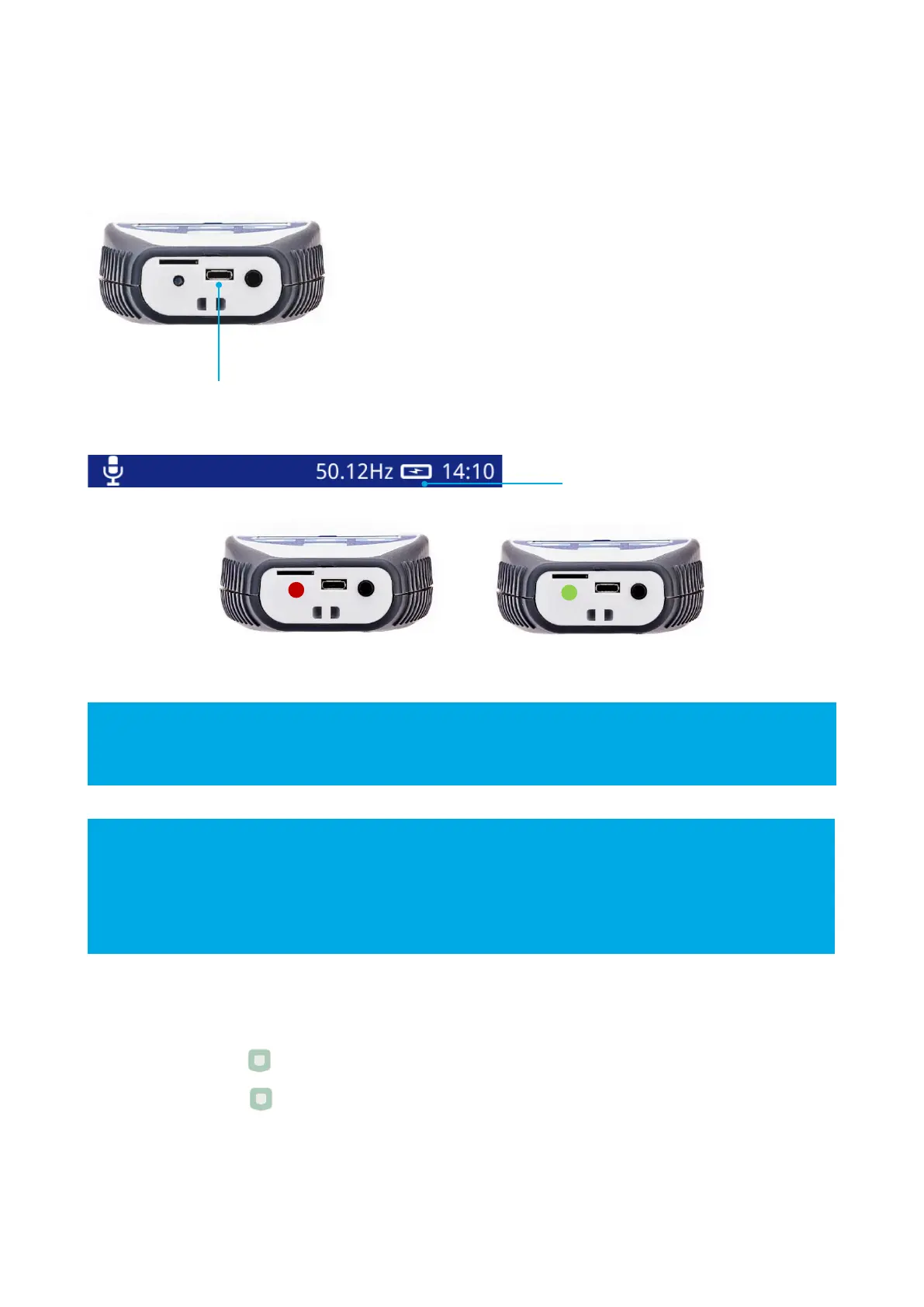
Use the supplied USB cable to charge the UTP2 with the mains charger, in-car charger or from a standard USB.
For the quickest charging time, turn off the UTP2 during charging. Charging time is extended when
connected to a USB port compared to the mains charger.
The UTP2 charging LED may flash from red to green during the charging cycle.
The TEV/Cable PD and Ultrasonic measuring features are automatically disabled when the UTP2 is being
charged.
A fully-charged battery should provide approximately 6 hours of continuous use while switched on and
measuring. For practical purposes, a fully charged battery should last a full day of surveying.
The UTP2 needs to have sufficient charge to remain powered on while viewing data through a USB port.
3.3 Turning the UltraTEV
®
Plus² On/Off
Power on - press and hold for 1 second
Power off - press and hold for 2 seconds



 To Next Page