2388-MANUL-V10.00.00-UTP2 Operating Manual
Page 24 of 74
3.13 File Browser
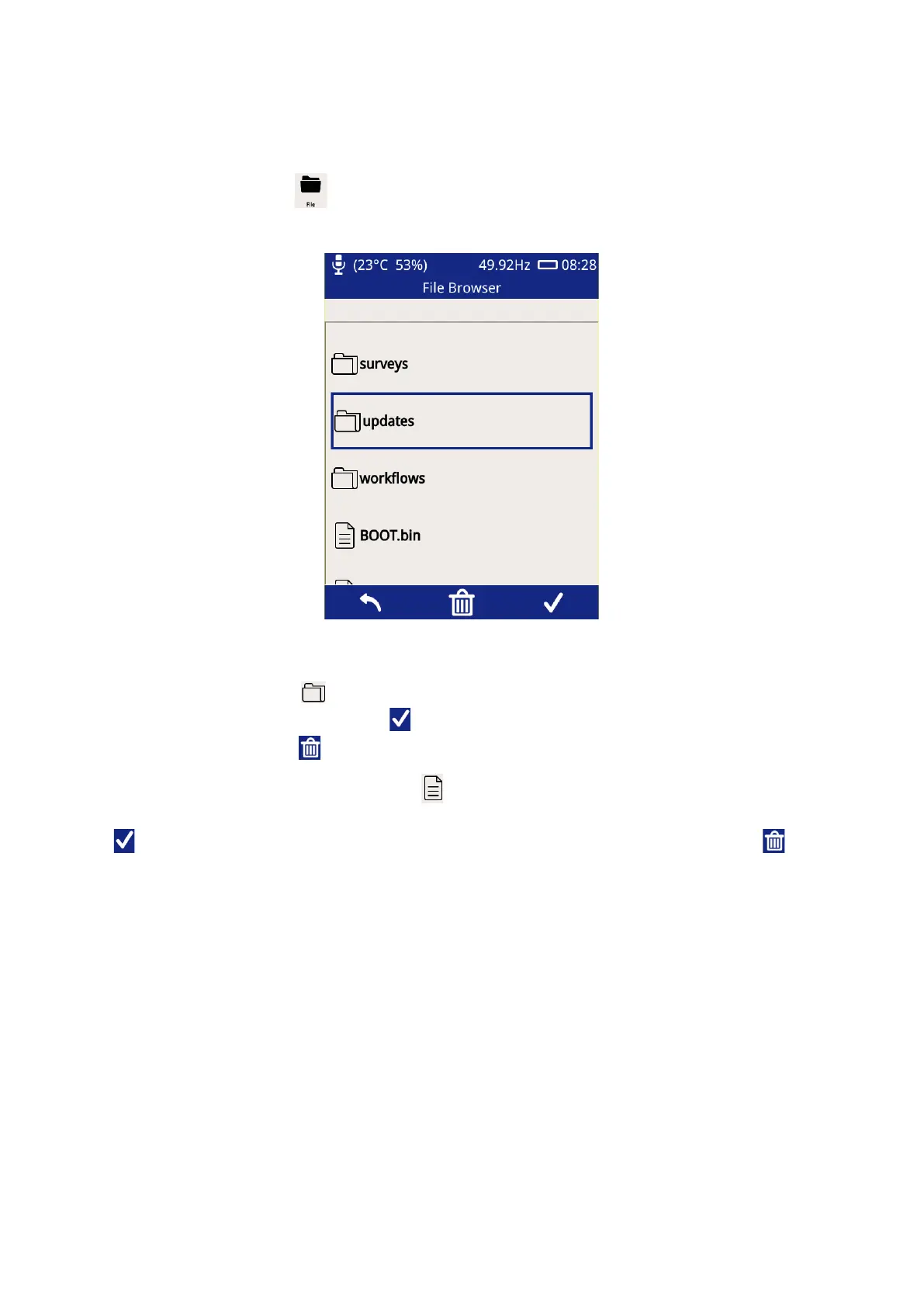
The File Browser screen can be used to manage files and folders stored on the UTP2’s microSD card. To access
the file browser, click File icon on the Home screen.
Upon opening the File Browser, the contents at the root of the memory card will be displayed. Selecting a folder,
represented by the folder icon , will cause it to be highlighted within the File Browser. The contents of the
folder can then be displayed by pressing the icon or the physical button below it on the instrument. A folder
can be deleted by pressing the icon or the physical button below it.
Selecting a folder, represented by the file icon , will cause it to be highlighted within the File Browser.
Information regarding the file such as size, date modified and time modified can then be displayed by pressing
the icon or the physical button below it on the instrument. A file can be deleted by pressing the icon or
the physical button below it.



 To Next Page