2388-MANUL-V10.00.00-UTP2 Operating Manual
Page 25 of 74
3.13.1 Screenshot
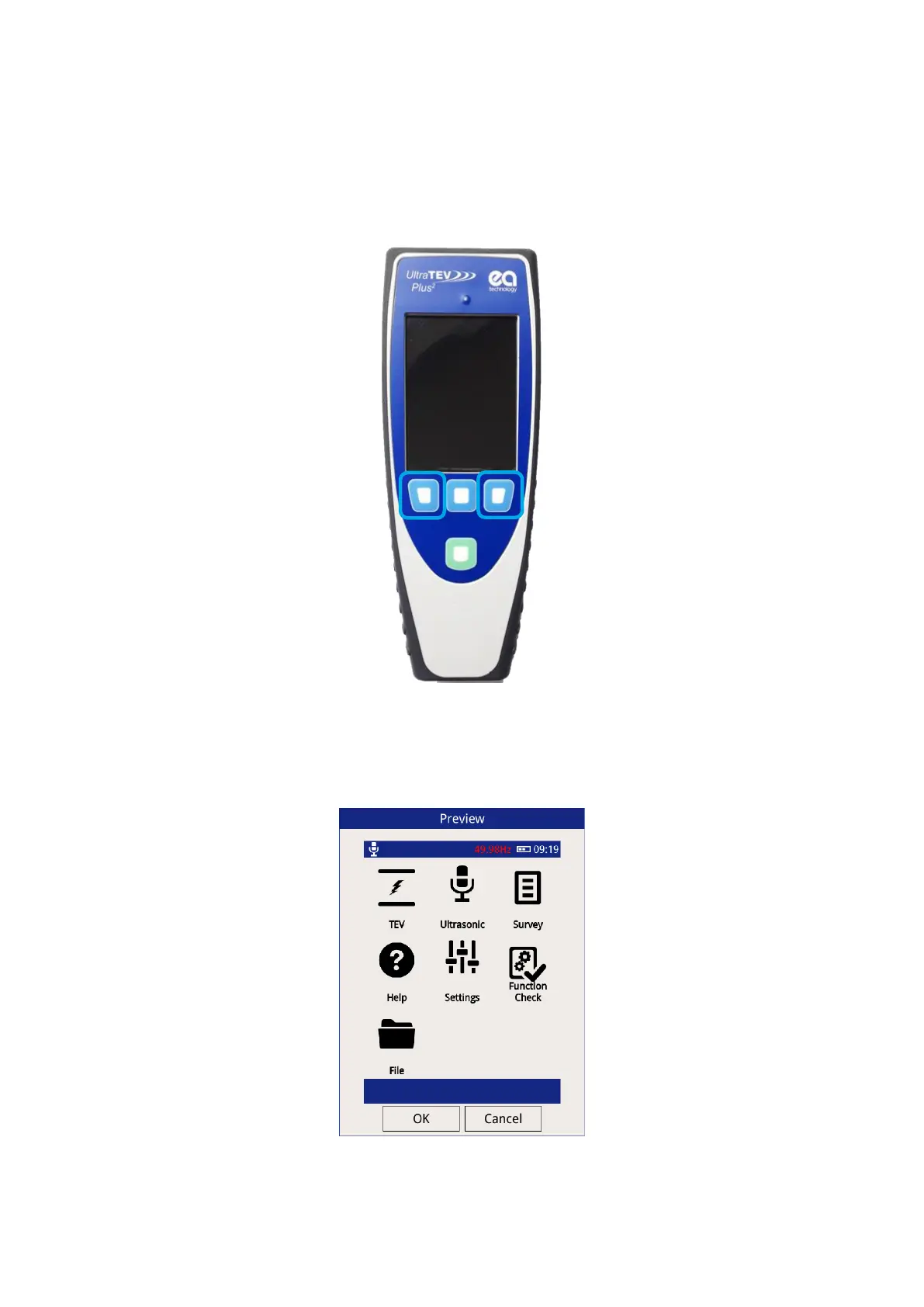
The UTP2 allows the user to capture an image of the screen at any time. To initiate a capture, press both the
left and right hand buttons simultaneously for two seconds.
Once capture completes, a pop up window will appear giving a preview of the screen capture. This preview can
either be rejected by pressing cancel which discards the image and returns to normal operations or accepted
which will move onto the file naming screen.



 To Next Page