2388-MANUL-V10.00.00-UTP2 Operating Manual
Page 26 of 74
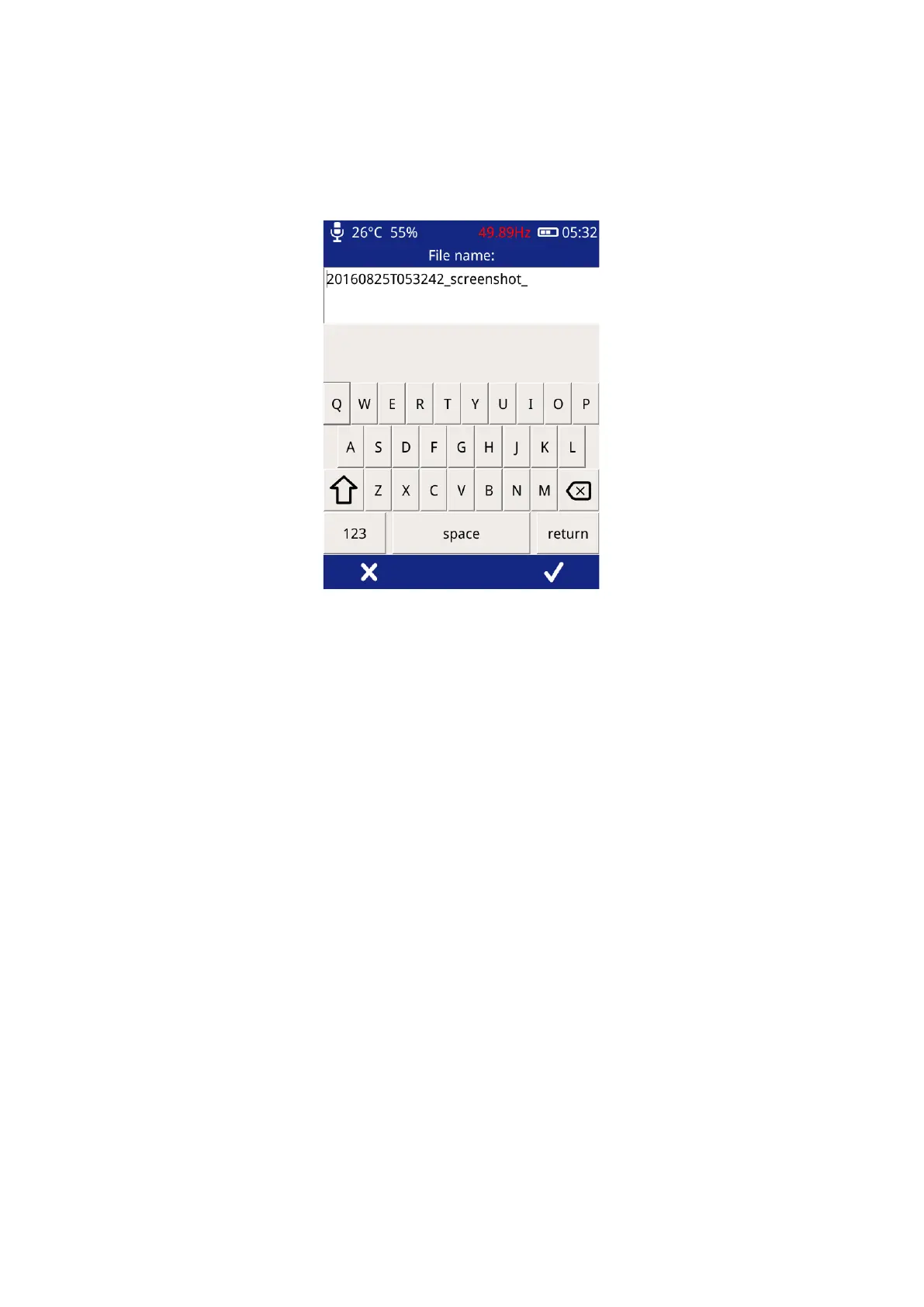
The file name screen provides the opportunity to rename the file from the default as shown below. Selecting
the tick in the bottom left hand corner of the image stores the file to the removable microSD Card. The files are
stored at \data and can be verified through the file browser.
The screen shot image can be viewed by removing the SD card and inserting into a PC or similar device and
navigating to \data and opening the relevant .png file, or by connecting to the UTP2 interface.



 To Next Page