2388-MANUL-V10.00.00-UTP2 Operating Manual
Page 27 of 74
3.14 Function Check
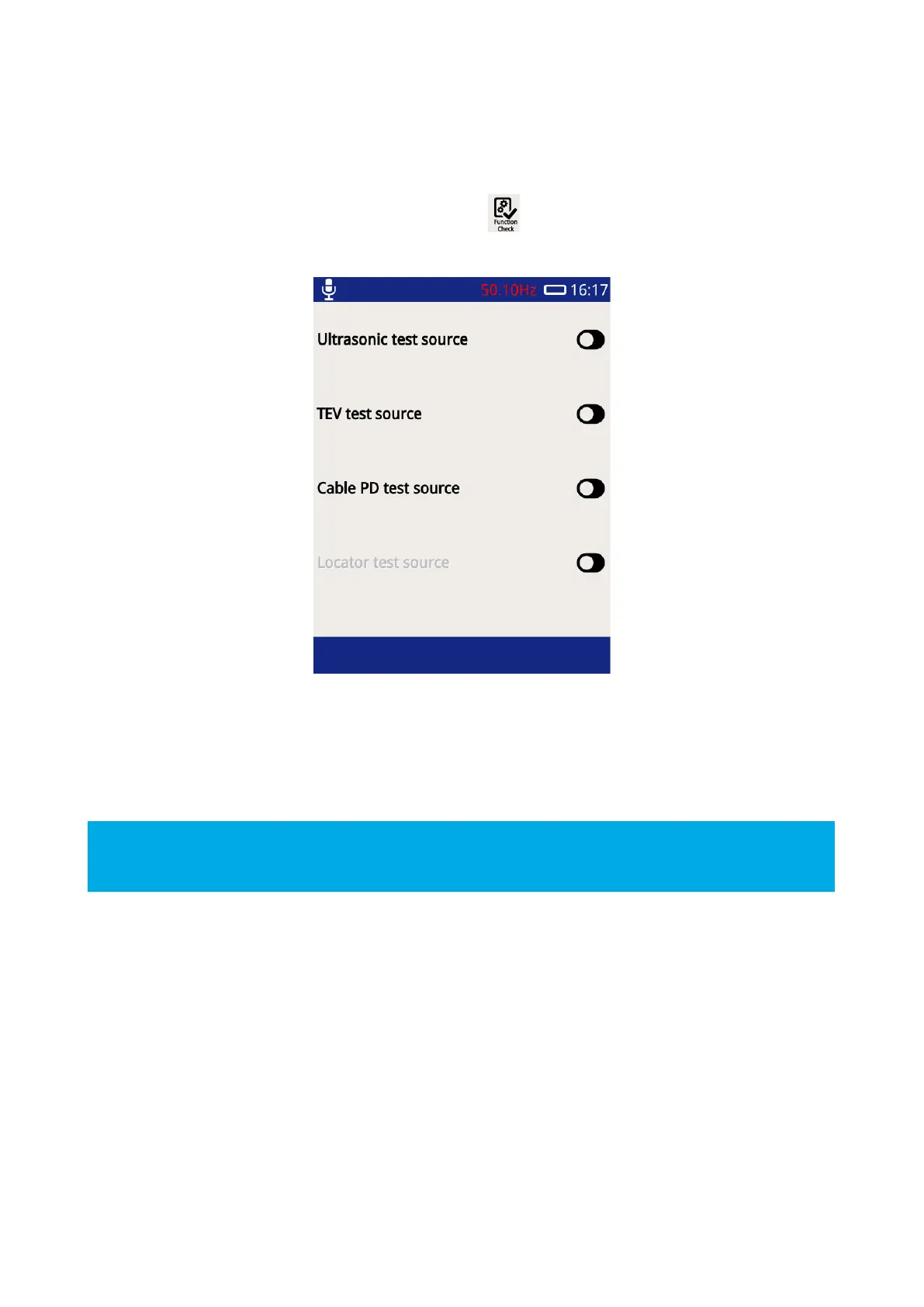
The UTP2 function checker is designed to allow users to verify the functionality of their instrument using build-
in test sources. The Function Check display option can be used to toggle these built-in test sources. To launch
the Function Check display, press the Function Check icon on the Home screen.
To test a given function, for example, the TEV function, toggle on the TEV test source. Navigate to any of the
TEV measurement displays which should display TEV activity. Multiple test sources can also be toggled and
checked.
The Function Check is not in any form a calibration check.
Remember to turn off the Function Check before taking a measurement.



 To Next Page