2388-MANUL-V10.00.00-UTP2 Operating Manual
Page 39 of 74
3.16 NFC Functionality
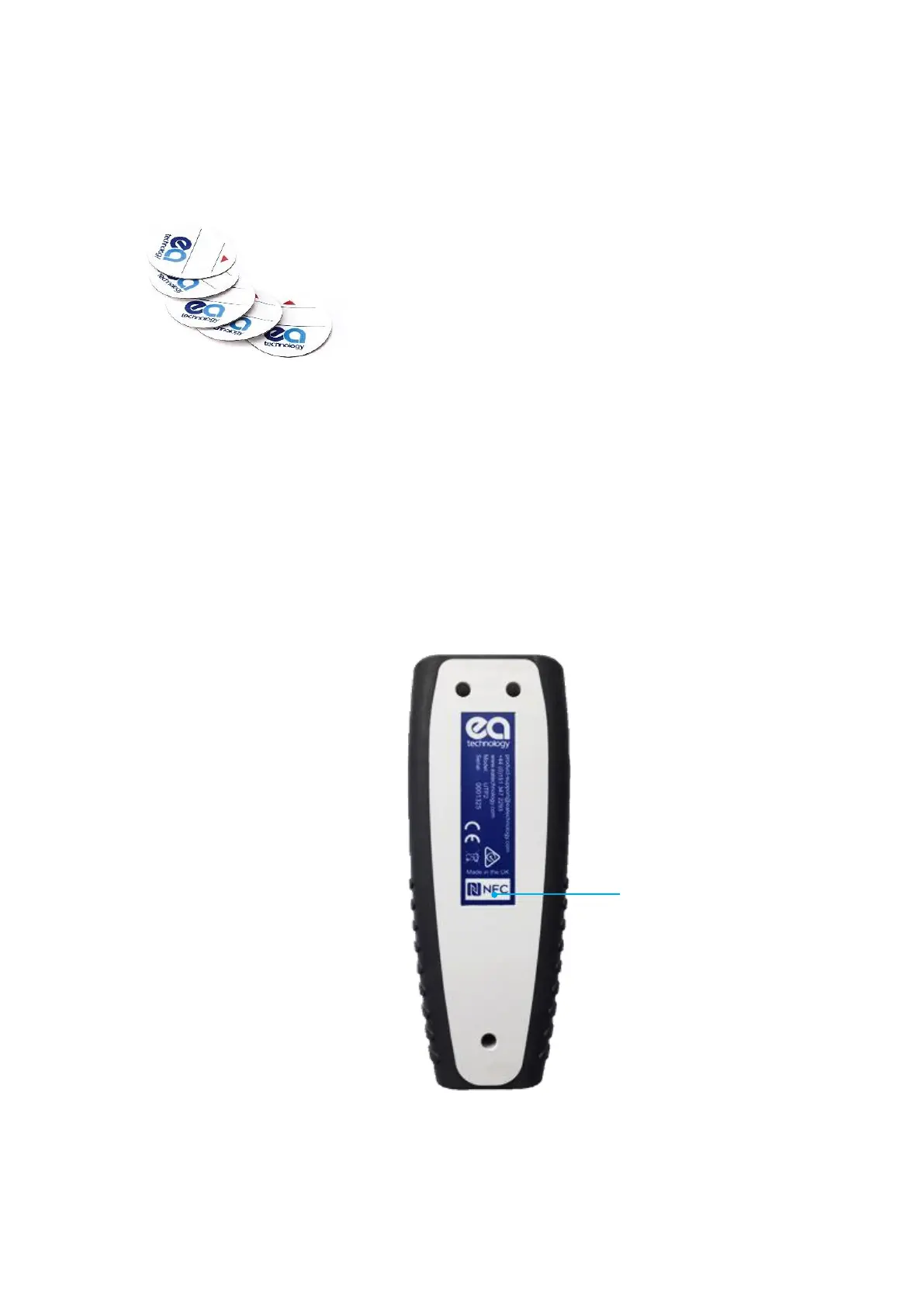
The UTP2 has a built-in NFC tag reader/writer that can program NFC tags when they are used for the first time
and recall the information during a survey.
3.16.1 NFC Tag Installation
• Our standard NFC tags are not designed for outdoor installation
• NFC tags are designed to work on metal surfaces
• Clean the surface with alcohol prior to installation
• Install in a convenient place where the UTP2 can be held in contact with the NFC tag while the display
is observed
NFC functionality is enabled by default. To turn off the NFC function, go to Main Menu, Settings, Wireless
Settings. When taking a reading, align the UTP2 centre button with the NFC tag.
Blank NFC tags are identical and can be programmed with
substation
or
asset information. There is a space on the tag
to write ‘asset’, ‘substation’ or other information. NFC tags can
store approximately 100 records.



 To Next Page