2388-MANUL-V10.00.00-UTP2 Operating Manual
Page 40 of 74
3.16.2 Substation Tag
Use one NFC tag per substation to hold all the information relative to the substation being surveyed. This tag
can be installed anywhere in the substation.
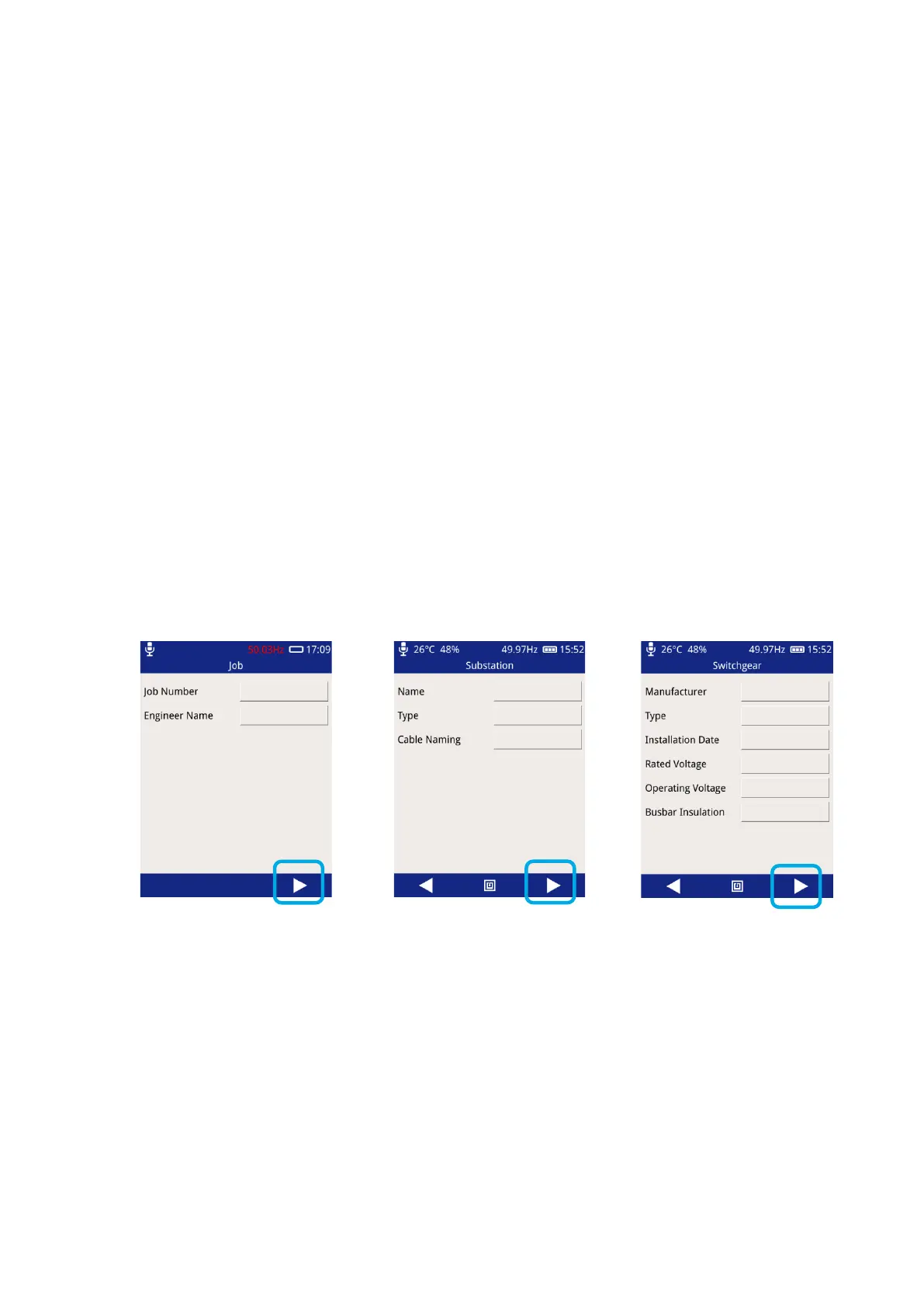
The following information is stored:
Substation Name (up to 127 characters)
Substation type (Indoor, outdoor, cabinet, other)
Switchgear Manufacturer (up to 127 characters)
Switchgear Type (up to 127 characters)
Installation Date (Day, Month, Year)
Rated Voltage (In KV)
Operating Voltage (in KV)
Busbar Insulation Type (Unknown, Air, Oil, Compound, SF6, Paper, XLPE, EPR)
3.16.3 Writing to a Substation Tag
From the Main Menu select Survey, Start Survey, Skip Workflow.



 To Next Page