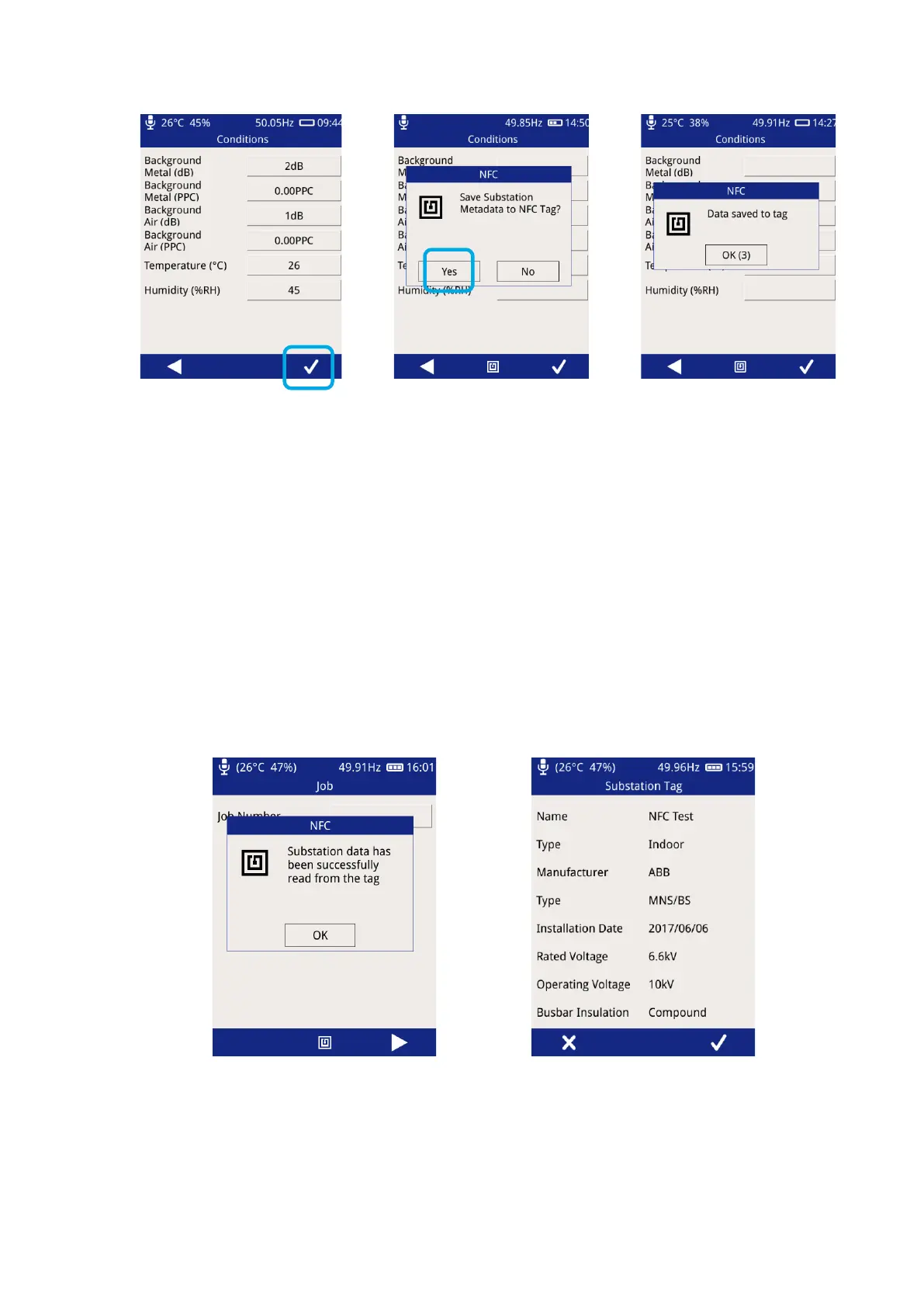
The UTP2 will beep once to
indicate a tag has been
detected, followed by two
beeps to indicate a
successful tag write
Following a successful tag write, the UTP2 will continue in Survey mode.
3.16.4 Reading a Substation Tag
Substation tag reads can take place in the Job, Substation and Switchgear screens within Survey mode.
From the Main Menu select Survey, Start Survey, Skip Workflow. Align the UTP2 centre button with the NFC
tag and press the centre button or NFC icon to trigger a scan. The UTP2 will beep once to indicate a tag has
been detected, followed by another beep to indicate a successful tag read.



 To Next Page