2388-MANUL-V10.00.00-UTP2 Operating Manual
Page 23 of 74
3.12.6 Reset All Settings
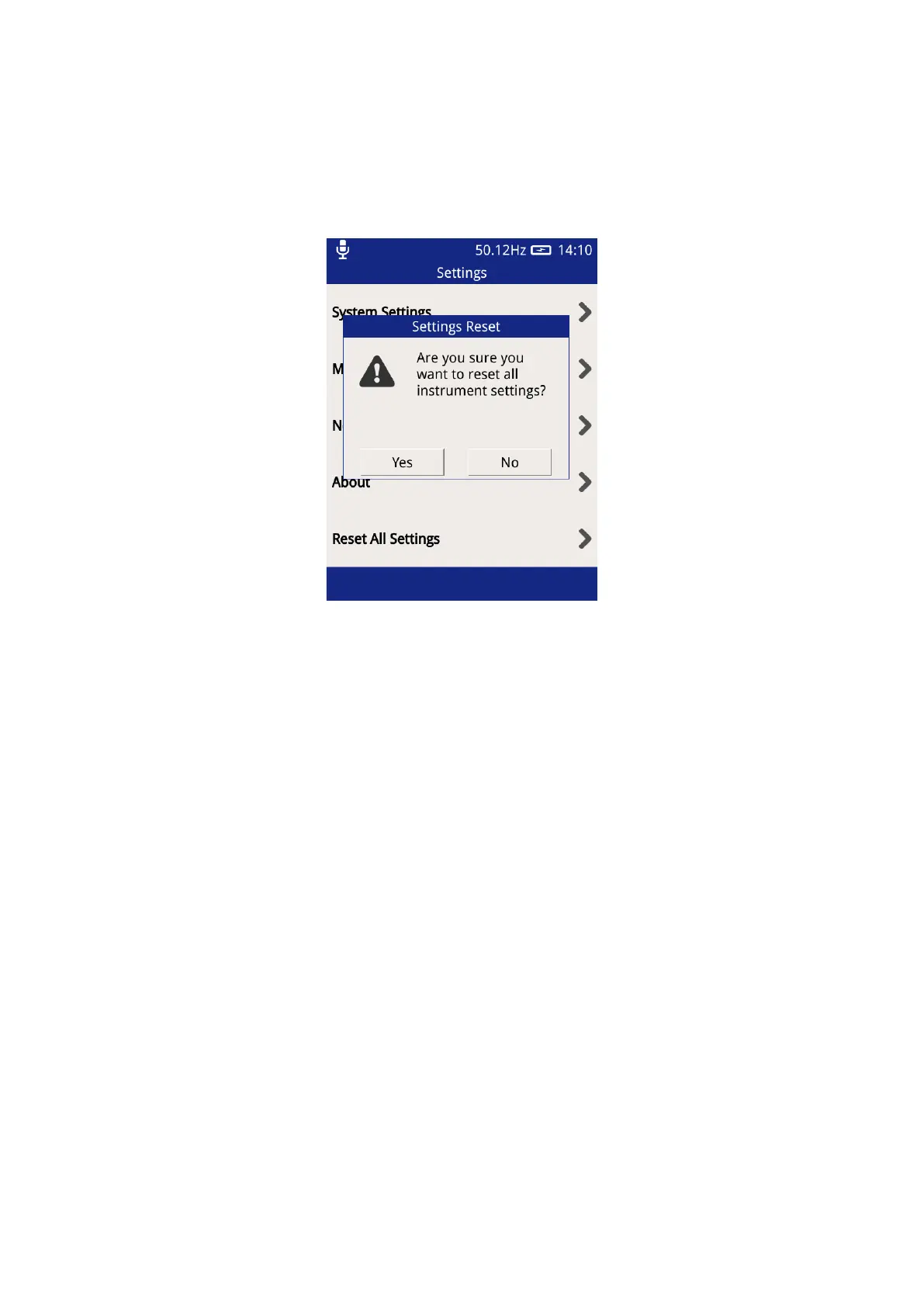
This option can be used to reset the UTP2 back to the default settings. Upon pressing this option, a notification
will appear asking for the action to be confirmed.
Once confirmed the follow settings will be reset back to their default state:
• Key Beep Enable
• Display Brightness
• Language
• Auto Shutdown Enable
• Auto Shutdown Time
• Line Frequency
• TEV Red and Amber Measurement Thresholds
• Ultrasonic Red Threshold
• Cable PD Thresholds
• Wi-Fi enable
Any Wi-Fi networks previously connected to and their login credentials will be preserved and will not be cleared.



 To Next Page