2388-MANUL-V10.00.00-UTP2 Operating Manual
Page 32 of 74
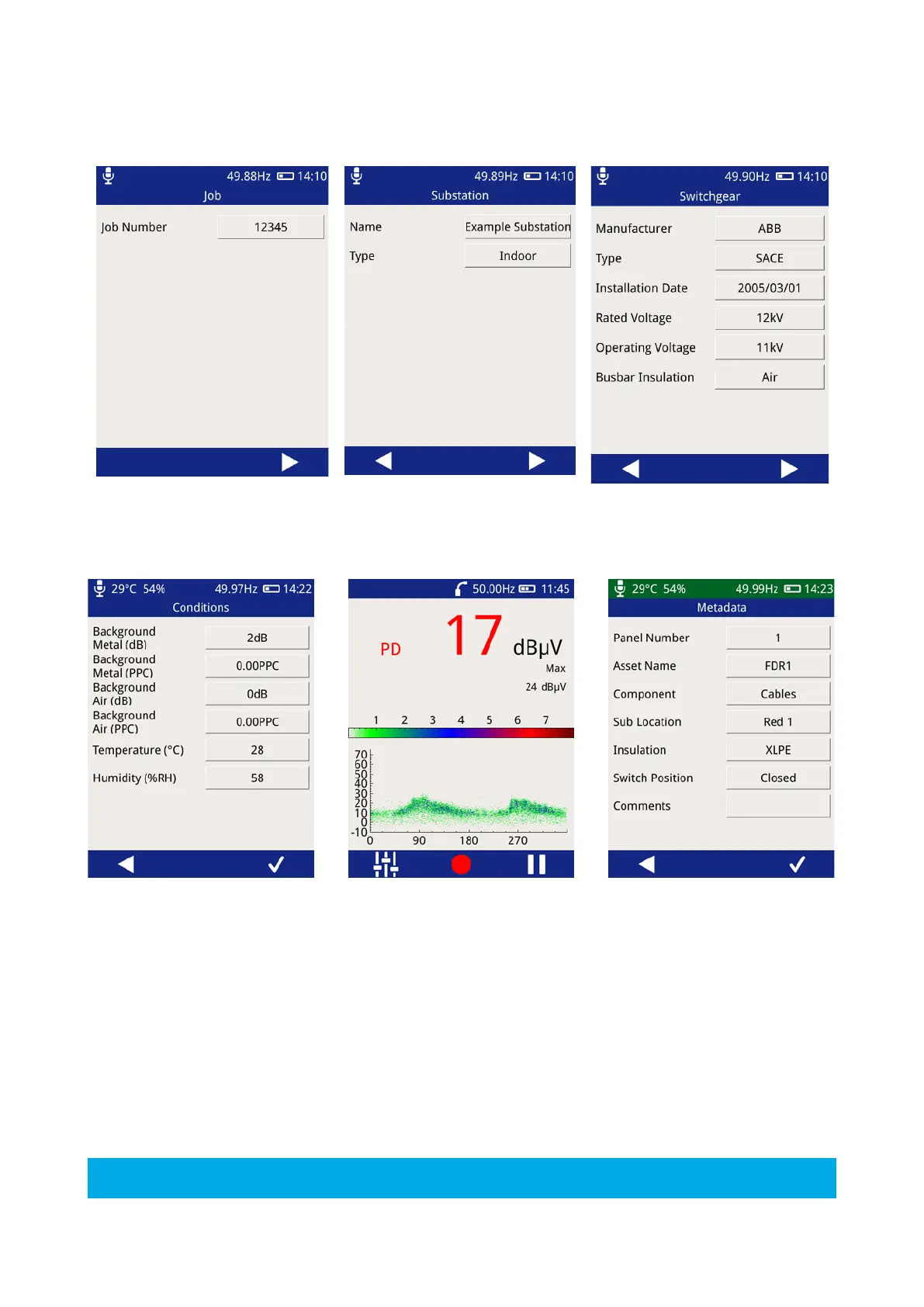
Enter your unique job number, the substation and switchgear information will be filled in using the information
from the Workflow.
Capture background readings, if ‘yes’ was not selected when the workflow was created, this data will not be
captured.
A workflow can be created from a previous survey using the ‘Generate Workflow’ option in the UTP2 interface
page.
3.15.5 Skip Workflow
To perform a survey without a workflow, press the “Skip Workflow” button. Similarly to the Workflow route, a
series of forms will be displayed with fields about the substation, switchgear and conditions. The form field can
be populated using the inbuilt virtual keyboard or a drop down list of available options.



 To Next Page