173
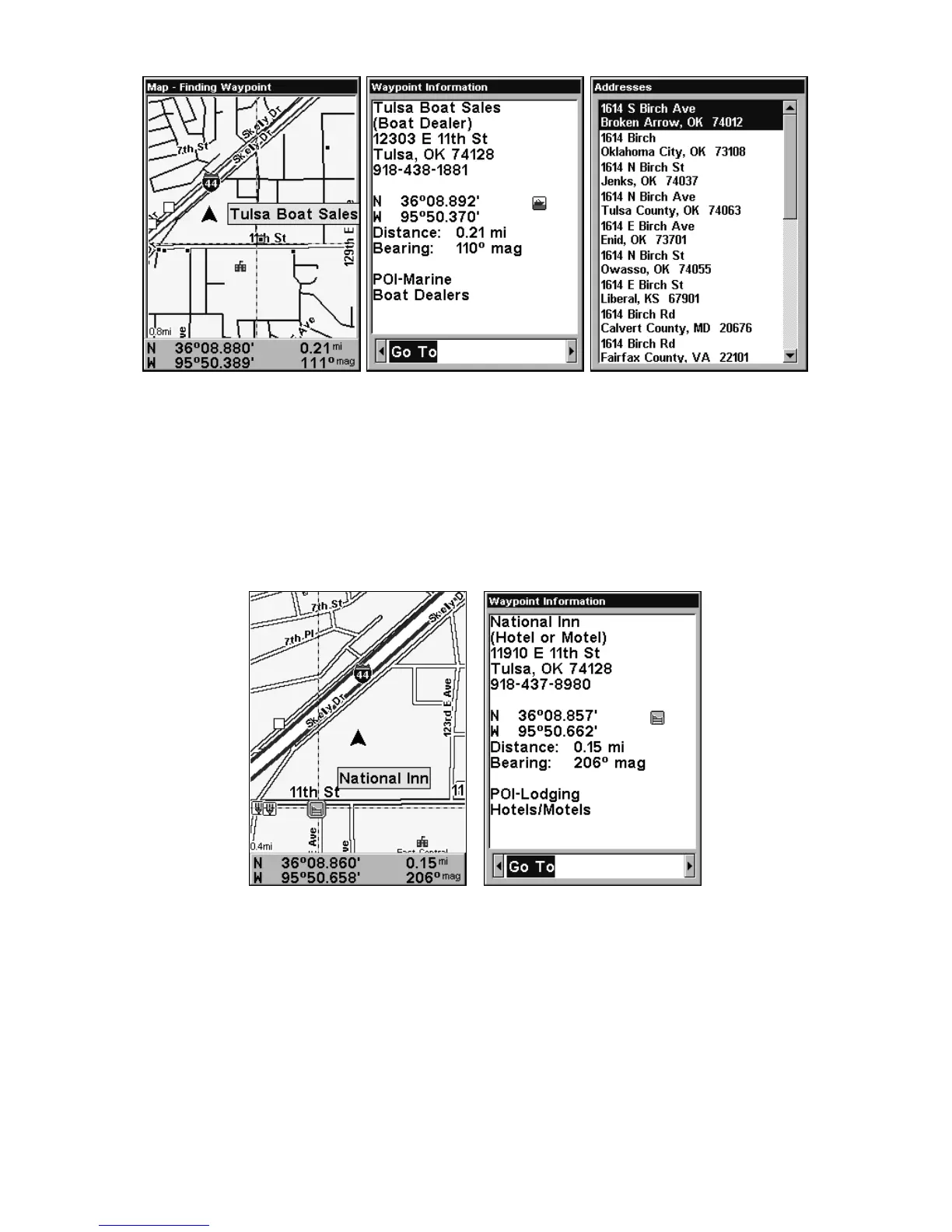
Left, Map Page showing location of the address on the map, high-
lighted by cursor. Center, this address is a business in the POI data-
base, so you can display the POI information window, then navigate to
it. At right, this address is not in the POI database, so the Waypoint
key will not display any information for this address.
Find Any Item Selected by Map Cursor
On the Map Page: with a POI or map feature selected by the cursor
press
WPT. To return to the previous page, press EXIT.
A POI selected by the cursor, left, POI information screen, right.
NOTE:
Since the Go To waypoint command is highlighted, you can navi-
gate to the selected POI by pressing
ENT|EXIT while in the POI
Waypoint Information screen.
Find Interstate Highway Exits
1. From the Map Page, press MENU|↓ to HIGHWAY EXITS|ENT, which calls
up the Find Exit menu.













 To Next Page