79
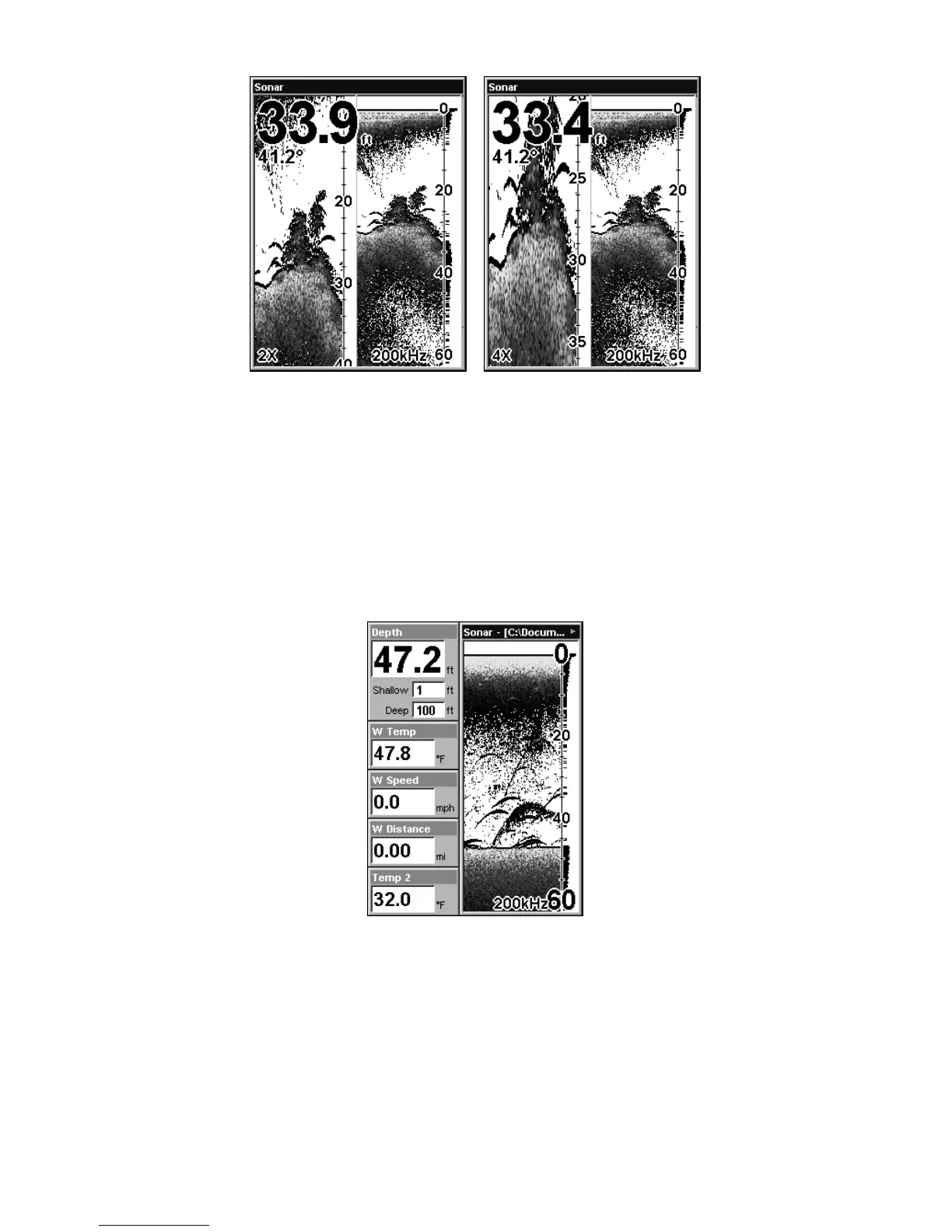
Split Zoom Sonar Chart. Image at left shows the left window zoomed to
2X. Press ZIN and the left window zooms to 4X, shown at right.
Digital Data
This mode shows the chart on the right side of the screen. The left side
has five large digital data boxes containing (by default): Water Depth,
Water Temperature, Water Speed (from an optional speed sensor), Wa-
ter Distance (distance traveled or log, it also requires a speed sensor)
and an air temperature sensor. The Depth box also shows settings for
the Shallow and Deep alarms.
Digital Data.
Customizing the Digital Data Screen
The Digital Data screen can be customized to show digital data differ-
ent from the defaults first shown. To customize this screen:
1. From the Sonar Page (in Digital Data mode), press
MENU|↓ to
CUSTOMIZE|ENT.













 To Next Page