175
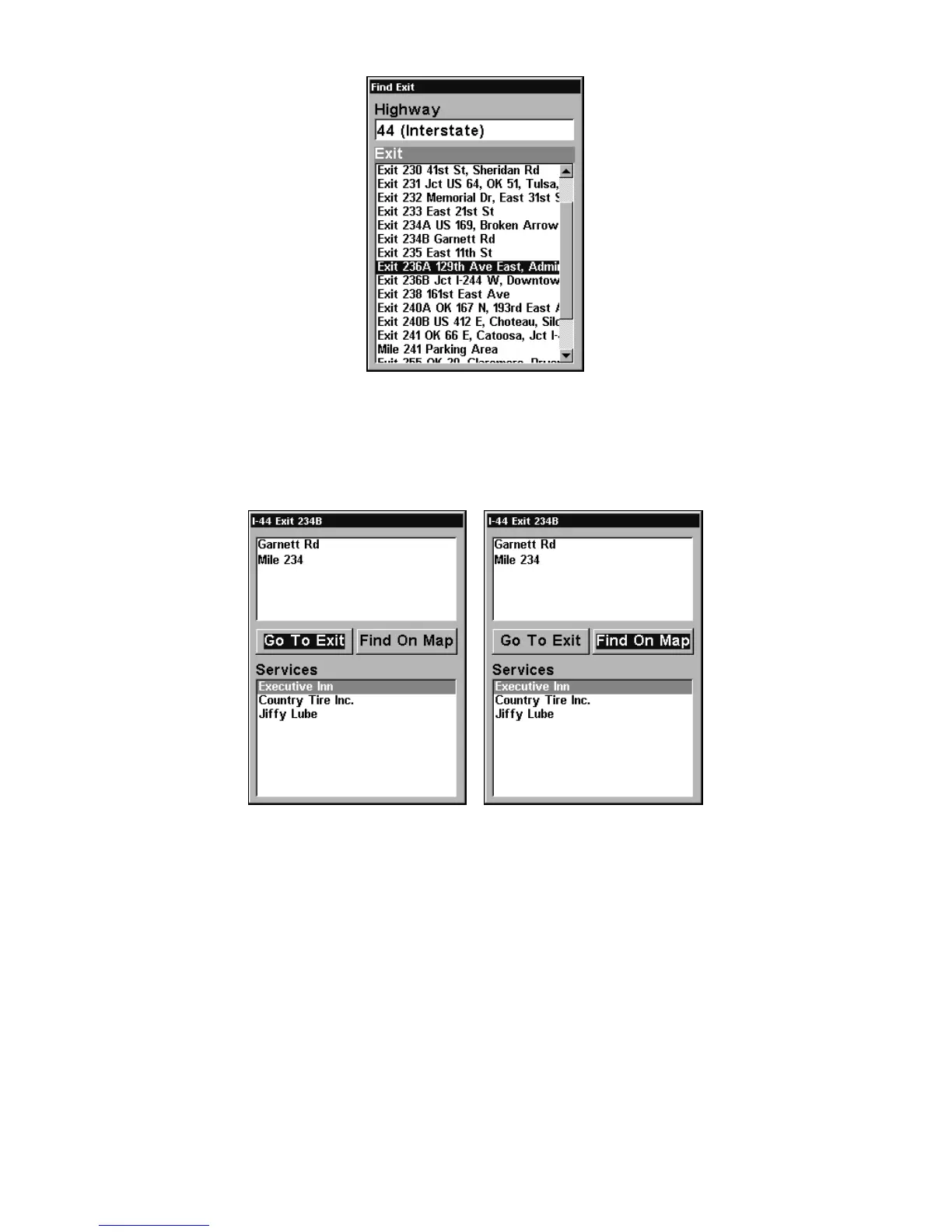
Find Exit menu, with an exit selected in the list.
4. In the Exit Information screen you have two choices. A. Press
ENT|ENT to navigate or go to the exit. B. Press ENT|→|ENT to find the
exit on the map.
Go To Exit option, left, Find On Map option, right.
Tip:
You can also look up some additional information on the Exit Serv-
ices located near this exit. Press ↓ to
SERVICES|press ↓ or ↑ to select
Service Name|
ENT.













 To Next Page