179
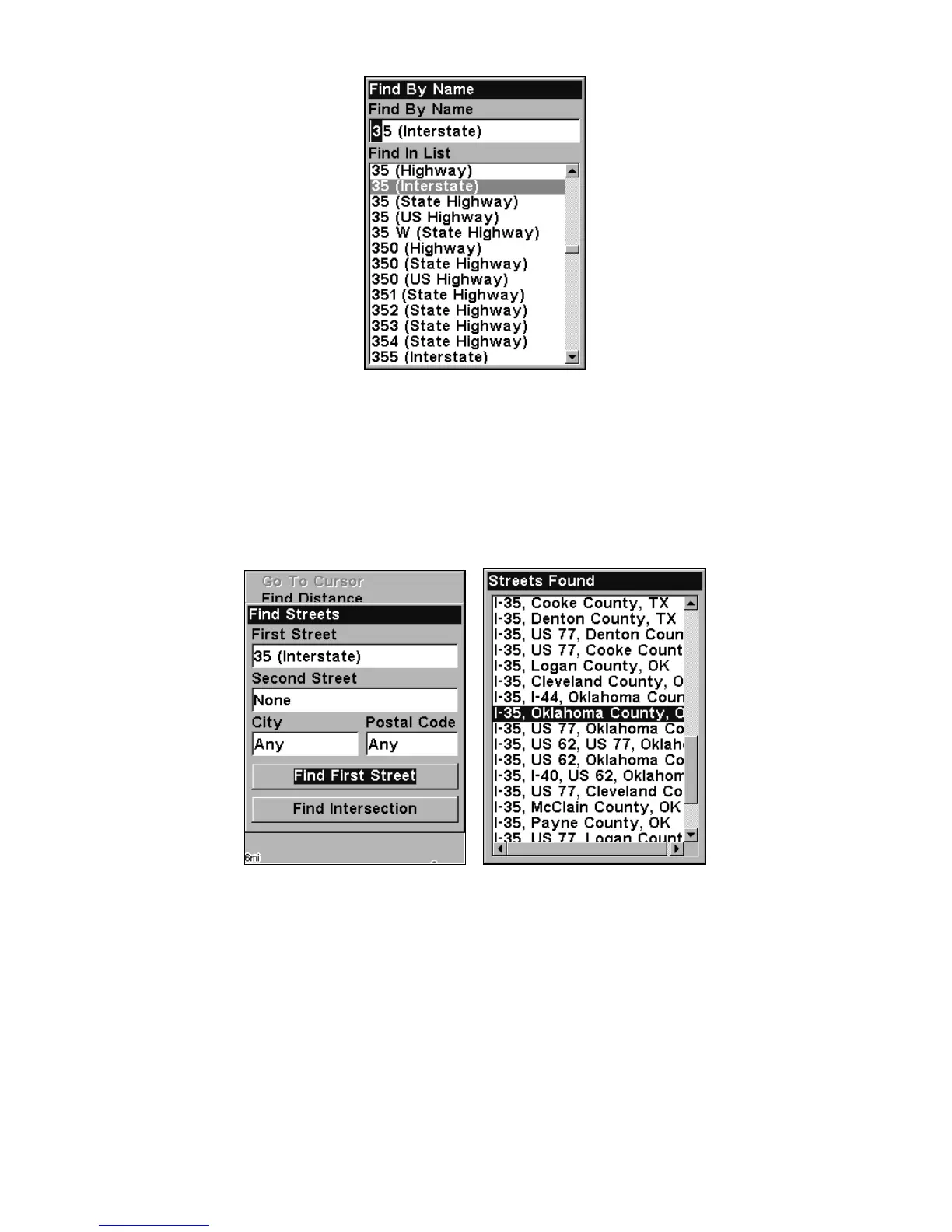
Find Street By Name menu. Spell out name in
the top box, or select from the list in the lower box.
3. The Find Streets menu reappears with the street you're searching for
in the First Street box. (In this example, it's I-35.) To search for that
street, press ↓ to
FIND FIRST STREET|ENT. When the Streets Found list ap-
pears, press ↑ or ↓ to select the street you are searching for and press
ENT.
At left, the Find Streets menu with the Find First
Street command highlighted. At right, Streets Found list.
4. The Map Page appears, with the cursor pointing to the found street.













 To Next Page