184
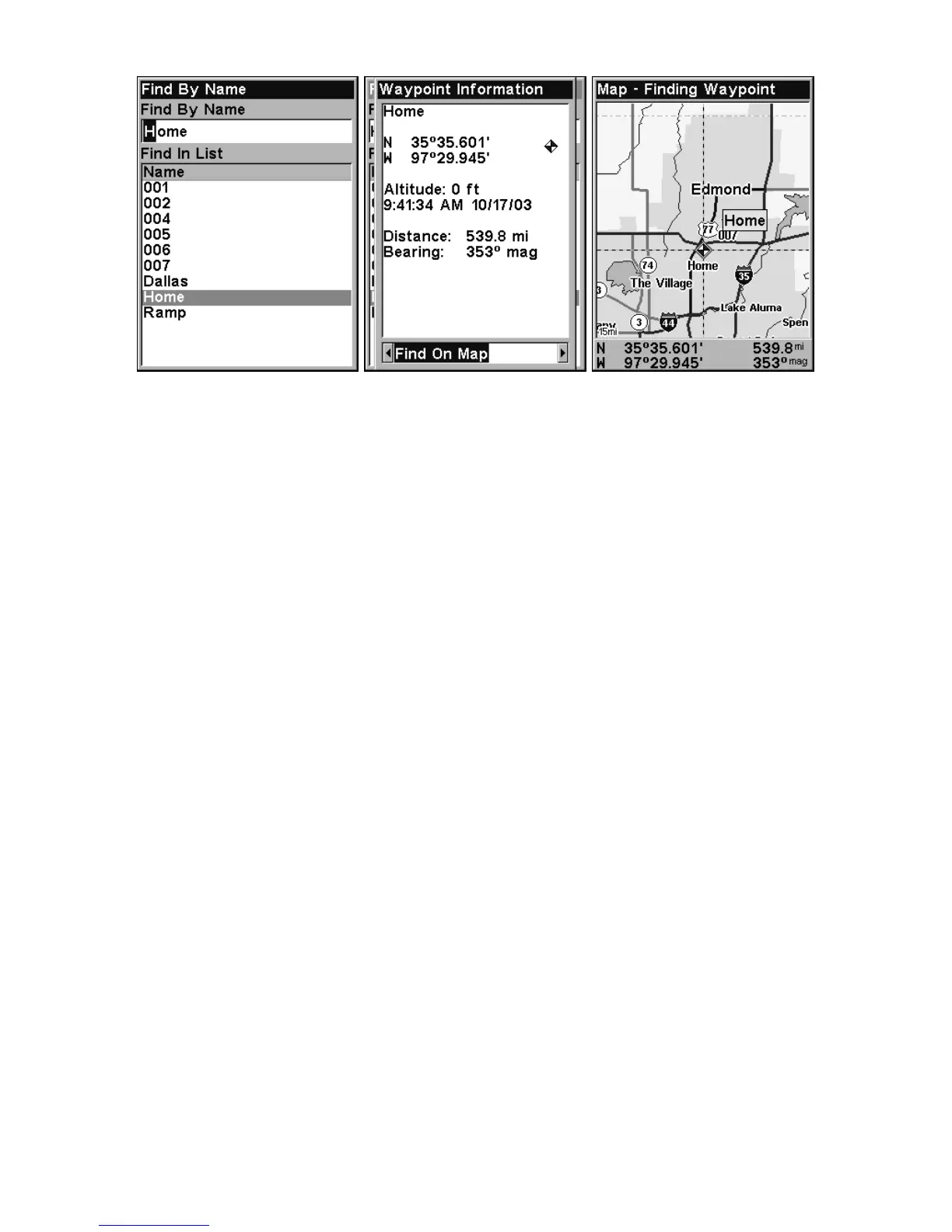
Find By Name menu, left. Waypoint Information screen, center. At right,
the found waypoint is highlighted by the cursor on the Map Page.
A. To navigate to the waypoint, press ENT. (Go To Waypoint com-
mand is already highlighted.) The unit will show navigation infor-
mation to the waypoint.
B. To find the waypoint, press → to
FIND ON MAP|ENT. The Map
Page appears with the cursor highlighting the found waypoint.













 To Next Page