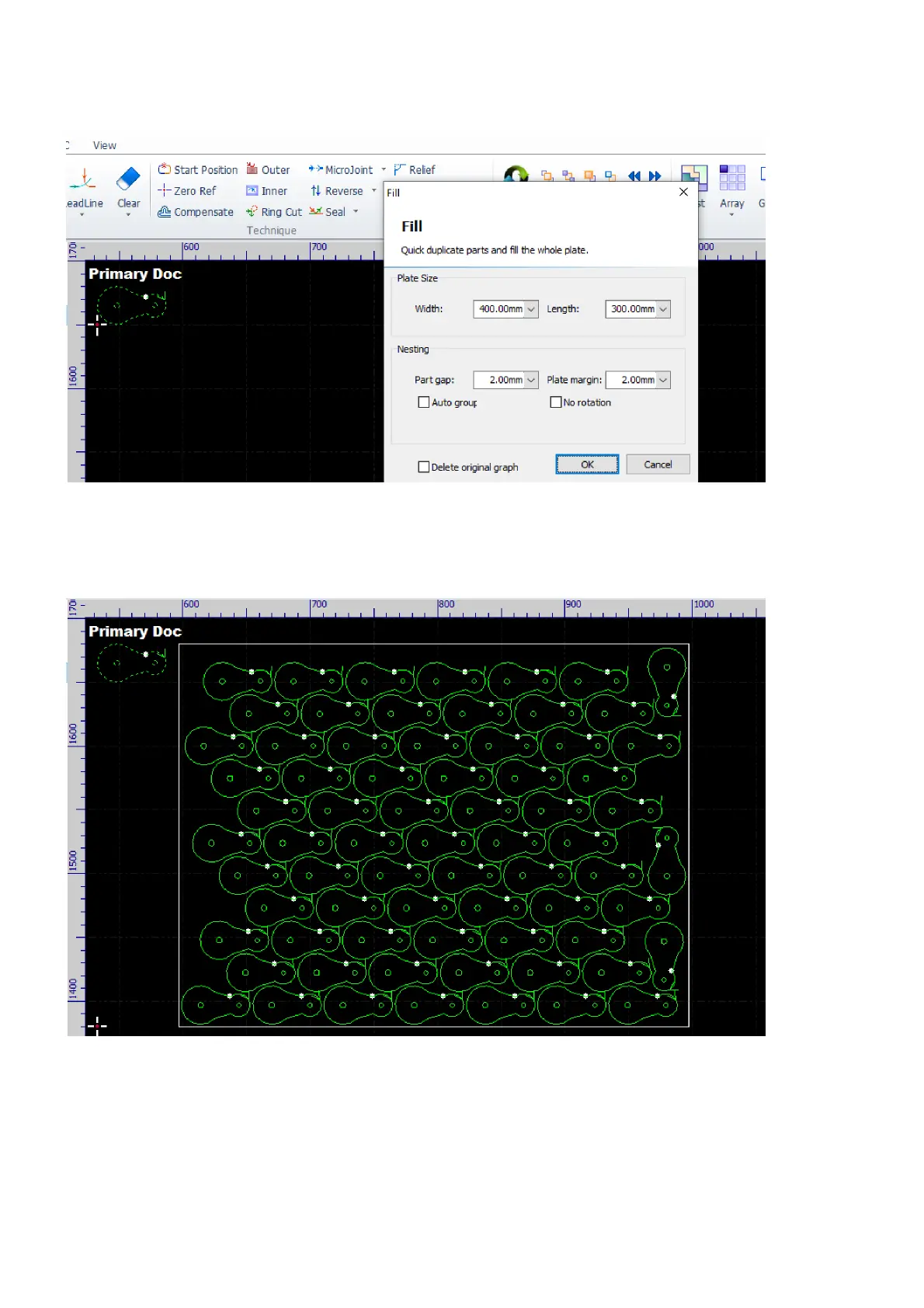
The array fill function is basically a simplified version of the nest function. Select the contours and then select
the command Fill in the pulldown-menu Home>Array.
In the pop-up dialog, set the size and the margin of the plate, set the gap between adjacent parts, and click
the button OK to complete the operation. And, the software will delete the original contours if the option
Delete original graphics is checked.



 To Next Page