Button
Menu
Command
Command Function
Point Arc Draw an arc by specifying three points.
Scan Arc arc
Draw an arc by specifying the center, the radius, the start and
the end points.
Ellipse ellipse Draw an ellipse.
Polyline Draw a polyline.
Polygon polygon Draw a polygon.
Star Draw a star.
Point point Draw a point.
Text text Draw a letter sequence.
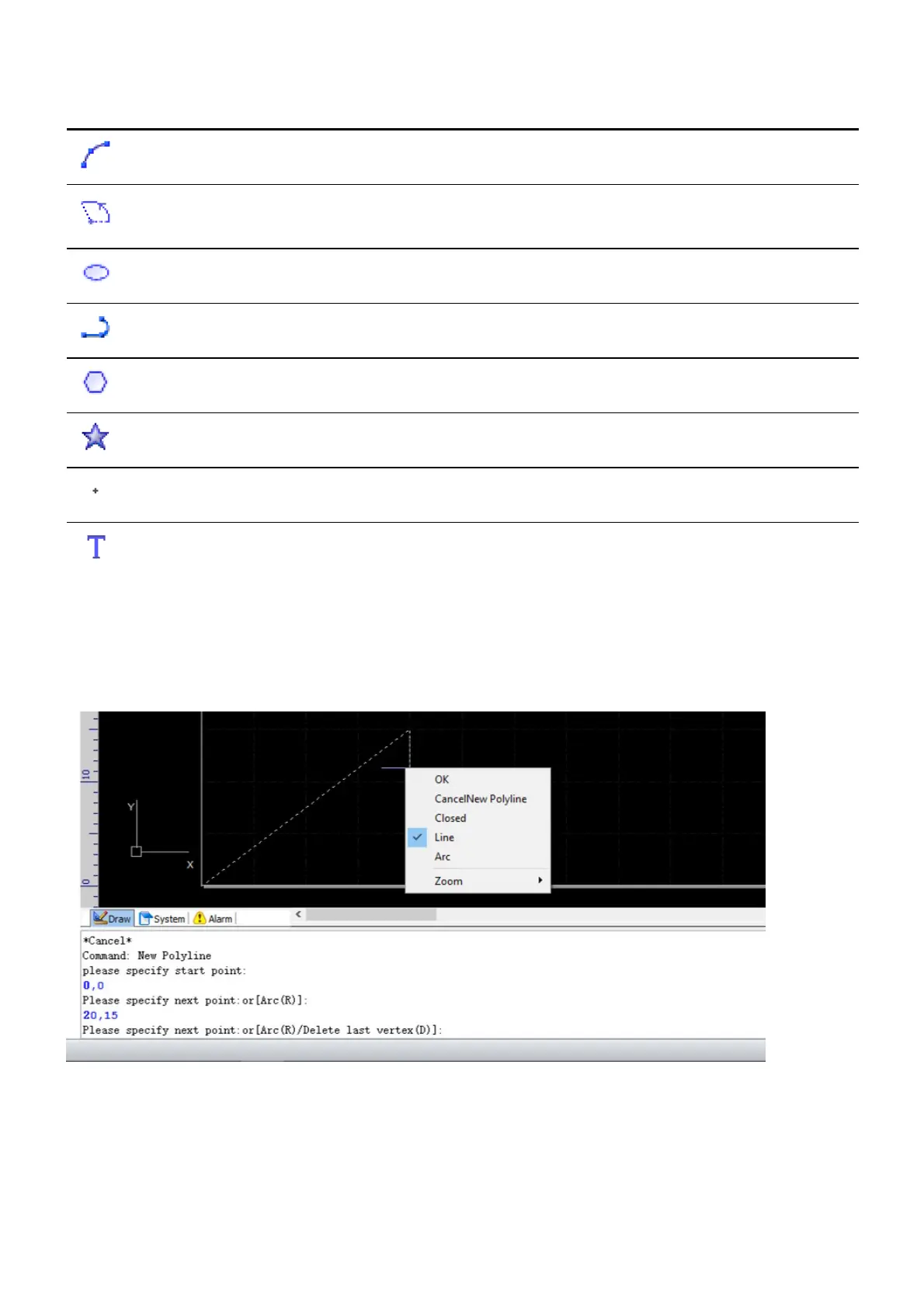
The command prompts will be shown in the Draw command window no matter how you select the
command, and you can get hints there on how to complete the command. Complete the drawing command
by left-click for setting points in the drawing window, by right-click for bring up the context menu, by
entering appropriate parameters, or by a combination of them.
The Rectangle, Circle, Polygon command and the commands similar with them will automatically create
closed contours which are ready for setting technology.



 To Next Page