Select the command 90, the command 270 or the command 180 to rotate the selected objects
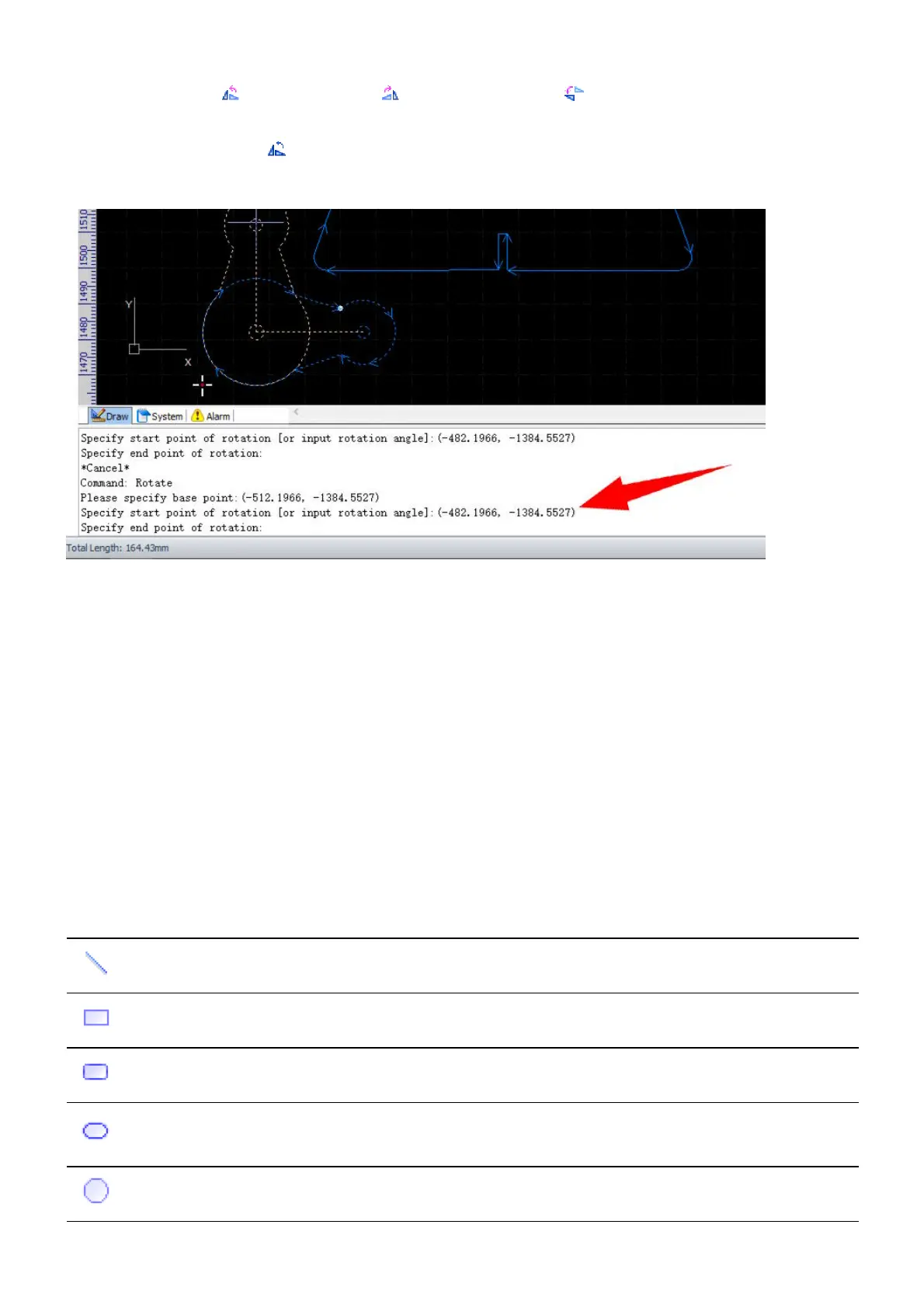
90°, 270° or 180° counter clockwise. If you want to rotate the objects with a self-defined rotation center and
angle, select the command Rotate, and follow the prompts in the Draw command window to complete
the command.
Drawing Functions
We will not cover too much details but general procedures about drawing functions in this section.
You can find all the drawing functions on the drawing toolbar or in the menu Draw, i.e. Line, Rectangle,
Circle, Polyline, Text, etc.
If you are familiar with some other CAD systems, e.g. AutoCAD, and get used to enter commands for drawing
parts, you can still do that in the Draw command window in CypCut, refer to Draw Command Window for
more information.
Here is a list of the drawing commands.
Button
Menu
Command
Command Function
Line line Draw line segments.
Rectangle rect Draw a rectangle.
RoundRect rrect Draw a round rectangle.
Round round
Draw a special round rectangle with its sides replaced with half
rounds.
Circle circle Draw a circle.



 To Next Page