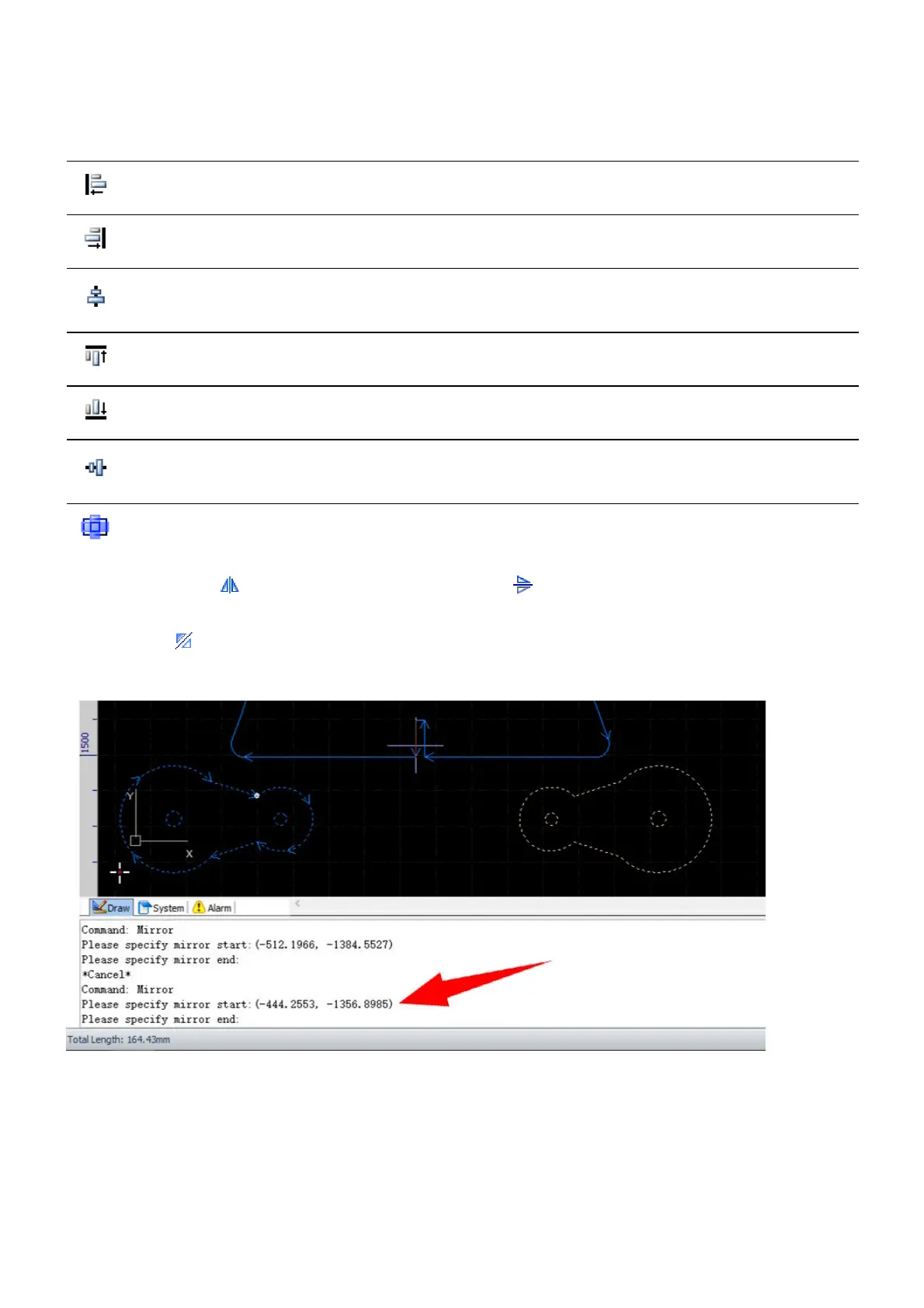
The align functions are grouped in the menu Align in Transform, will align the selected objects.
Icon Label Function
Left-Aligned Align the left side of the objects to the left-most one.
Right-Aligned Align the right side of the objects to the right-most one.
Center-Aligned
Align the center of the objects to the center of the bounding frame
horizontally.
Top-Aligned Align the top of the objects to the top-most one.
Bottom-Aligned Align the bottom of the objects to the bottom-most one.
Vertically
centered
Align the center of the objects to the center of the bounding frame
vertically.
Align Center Align the center of the objects to the center of the bounding frame.
Select the command Horizontal Mirror or the command Vertical Mirror to mirror the selected
objects horizontally or vertically. If you want to mirror the objects by a self-defined axis of symmetry, select
the command Mirror, and follow the prompts in the Draw command window to complete the
command.



 To Next Page