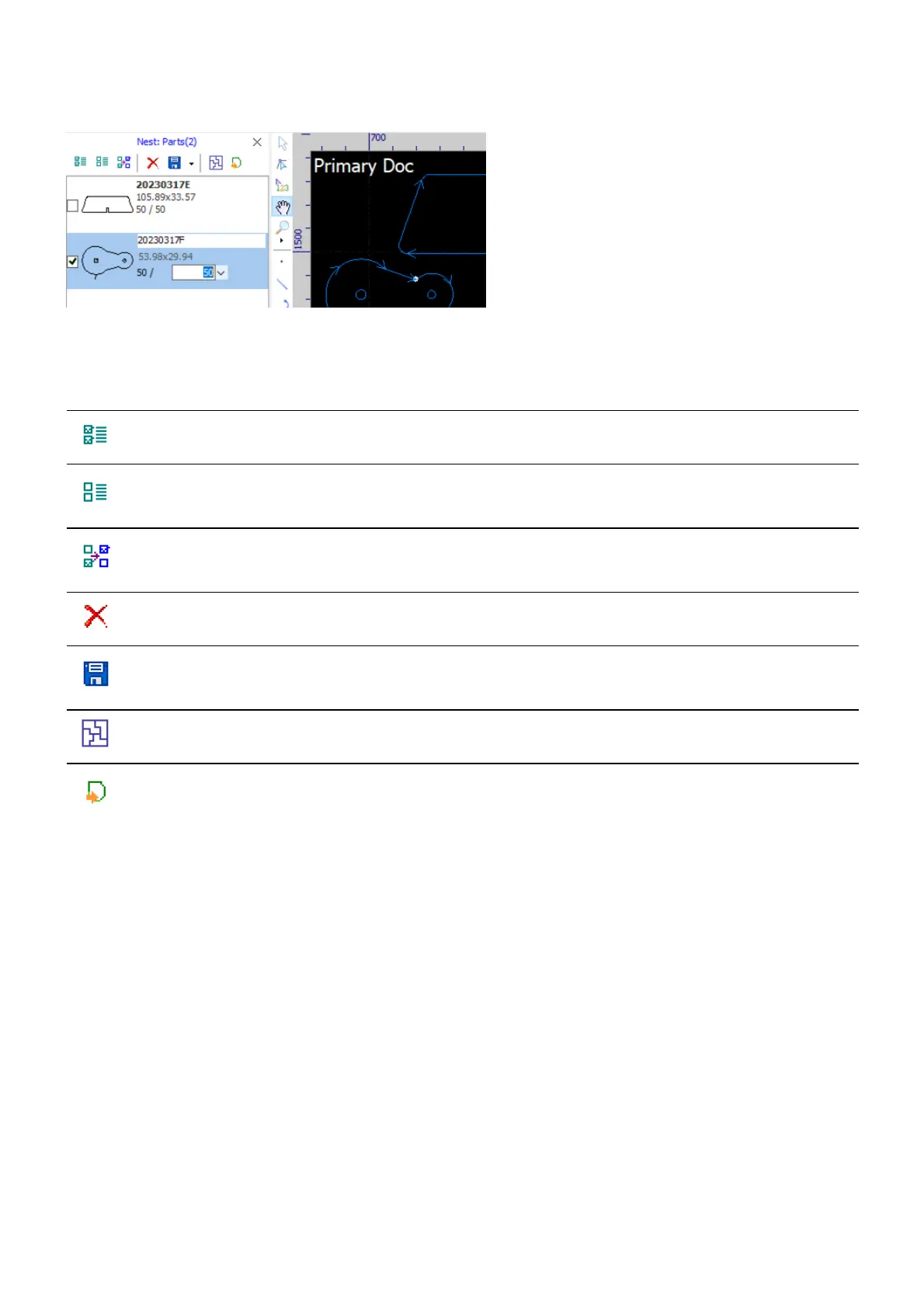
In the parts list, you can get a summary of every single part, i.e. geometry, code (generated automatically),
bounding frame dimension, plans and remains. Click on a part to change the code or the plans.
There is a toolbar in the panel to help you manage the parts and do nesting.
Icon Command Function
Select All Select all parts in the library.
Select
None
Select none in the library.
Invert
Selection
Invert selection.
Delete Delete the selected parts from the library.
Save
Save the selected parts in separated files, which are named in the format of
Part[part code].[ext] automatically.
Nest Do nesting.
Go to the
Draft
Switch to the draft (primary document).



 To Next Page