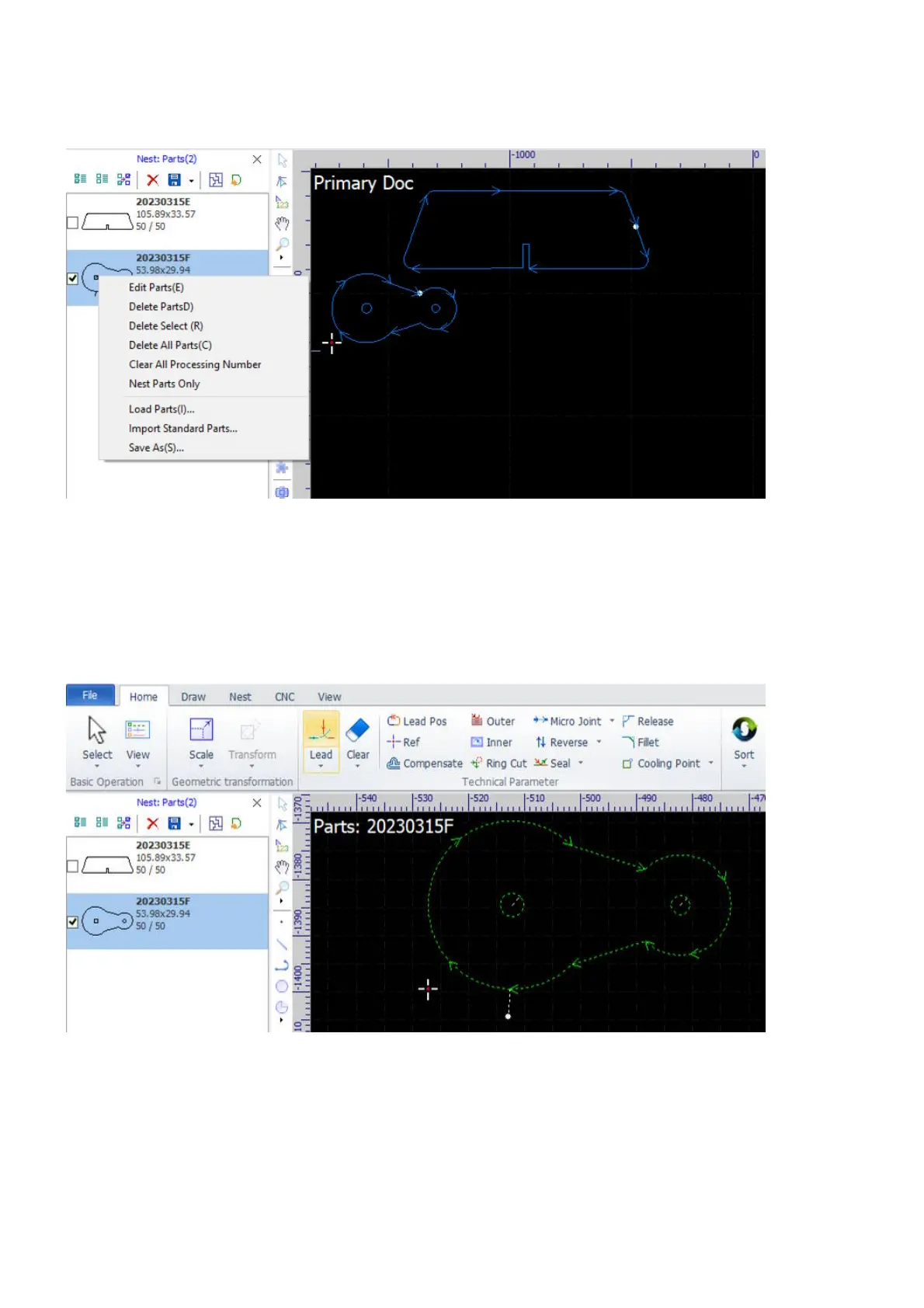
Right-click on a part will bring up the context menu, you can import parts, delete parts, do nesting on the
part, or save the part to an external file.
You can also import parts or delete all parts from the pulldown-menu Part in Nest.
Sometimes, you need to set a special technology on a specific part. Double-click on the part, the software will
display it in the drawing window with its code showing at the top-left corner. You cannot do any edits on the
part but set technology, e.g. change its cutting technology, set tool correction, refer to Technology in CypCut
for more information.



 To Next Page