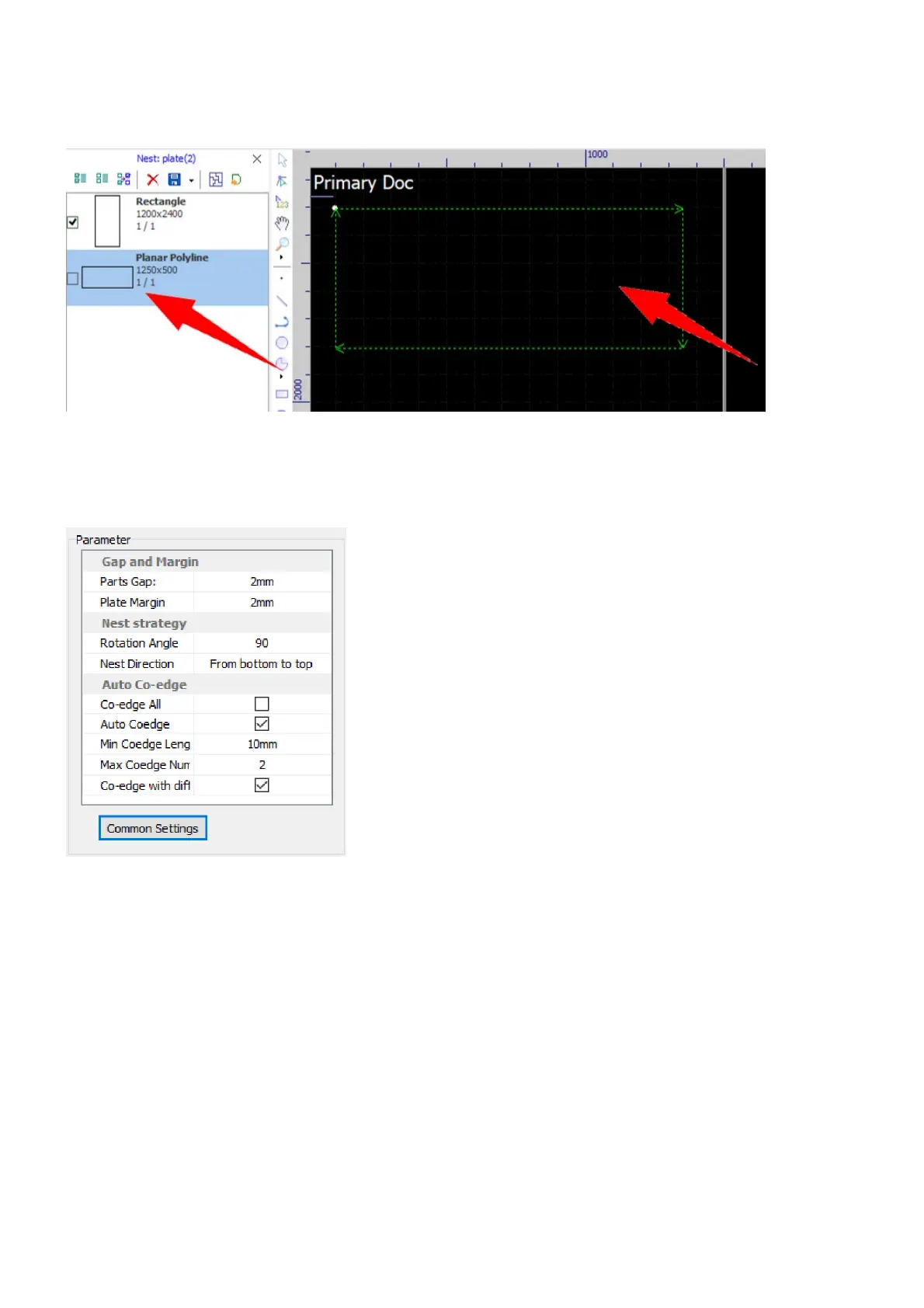
If the sheets you have are not listed in the standard sheets list, you need to construct them up in the drawing
window, and select the pulldown-menu Set as plate in Nest>Plate to make the sheets.
Technology for nesting are controlled by a group of parameters, to set gap between parts, set margin on
sheets, etc. Click on the button Detail Settings to expand more settings, to choose nesting strategy, set co-
edging, etc.



 To Next Page