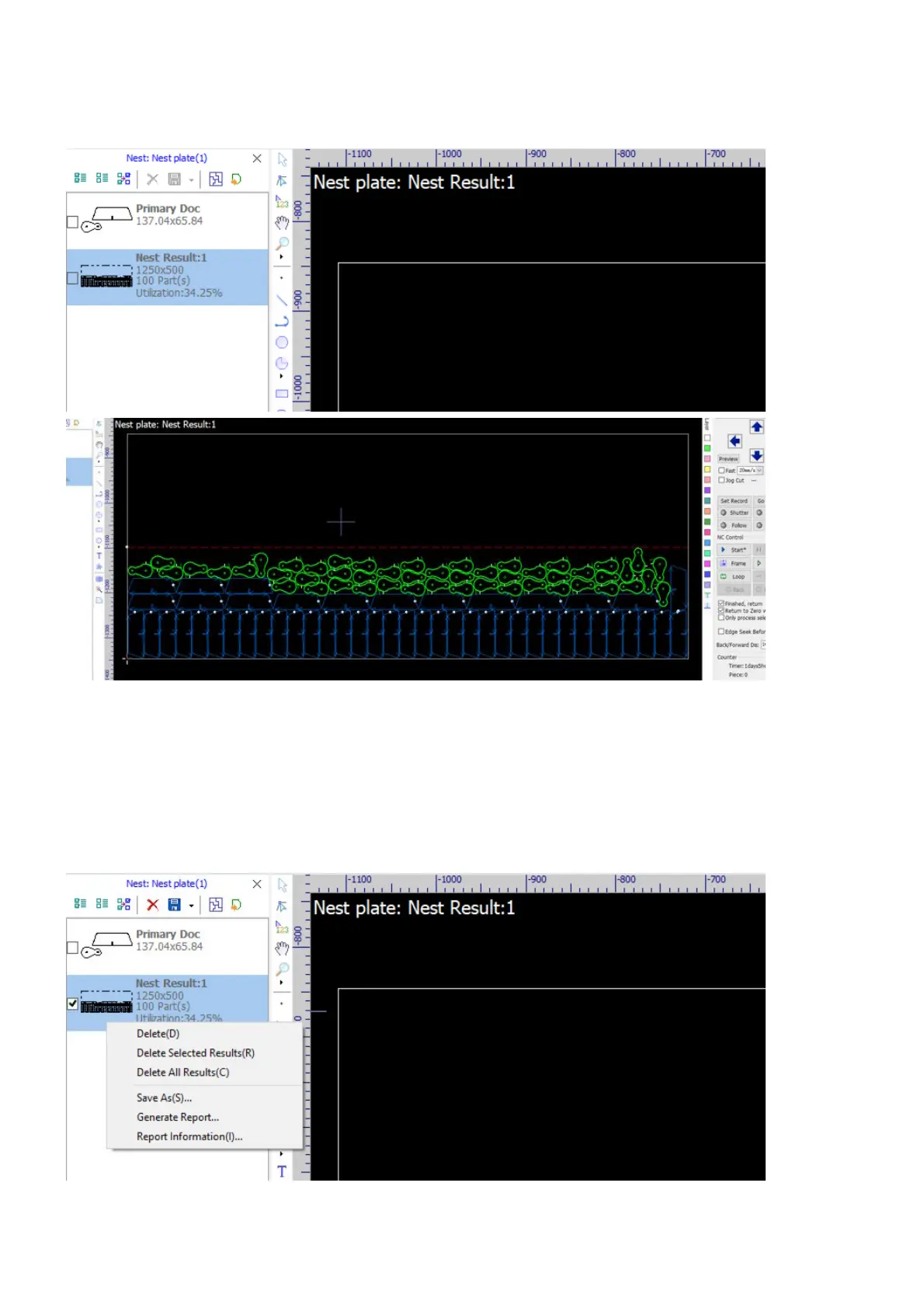
Click on the button OK, the software will calculate nesting layouts according to the settings, then list the
results in the tab Nest plate of the Nest Panel, and display the first result in the drawing window.
In the results list, you can get a summary of every single result, i.e. geometry, sequence number, sheet
dimension, parts count and utilization rate. Click on a result, the software will display it in the drawing window
with its code showing at the top-left corner. Click on buttons on the toolbar to manage the results, i.e. select
all results, delete the selected results, etc, refer here for more information. Right-click on a result to bring up
the context menu, you can delete results, save the result to an external file, or generate a production report
on the result.



 To Next Page