After reviewing, you can set technology and get a result prepared for machining, refer to Technology in
CypCut for more information.
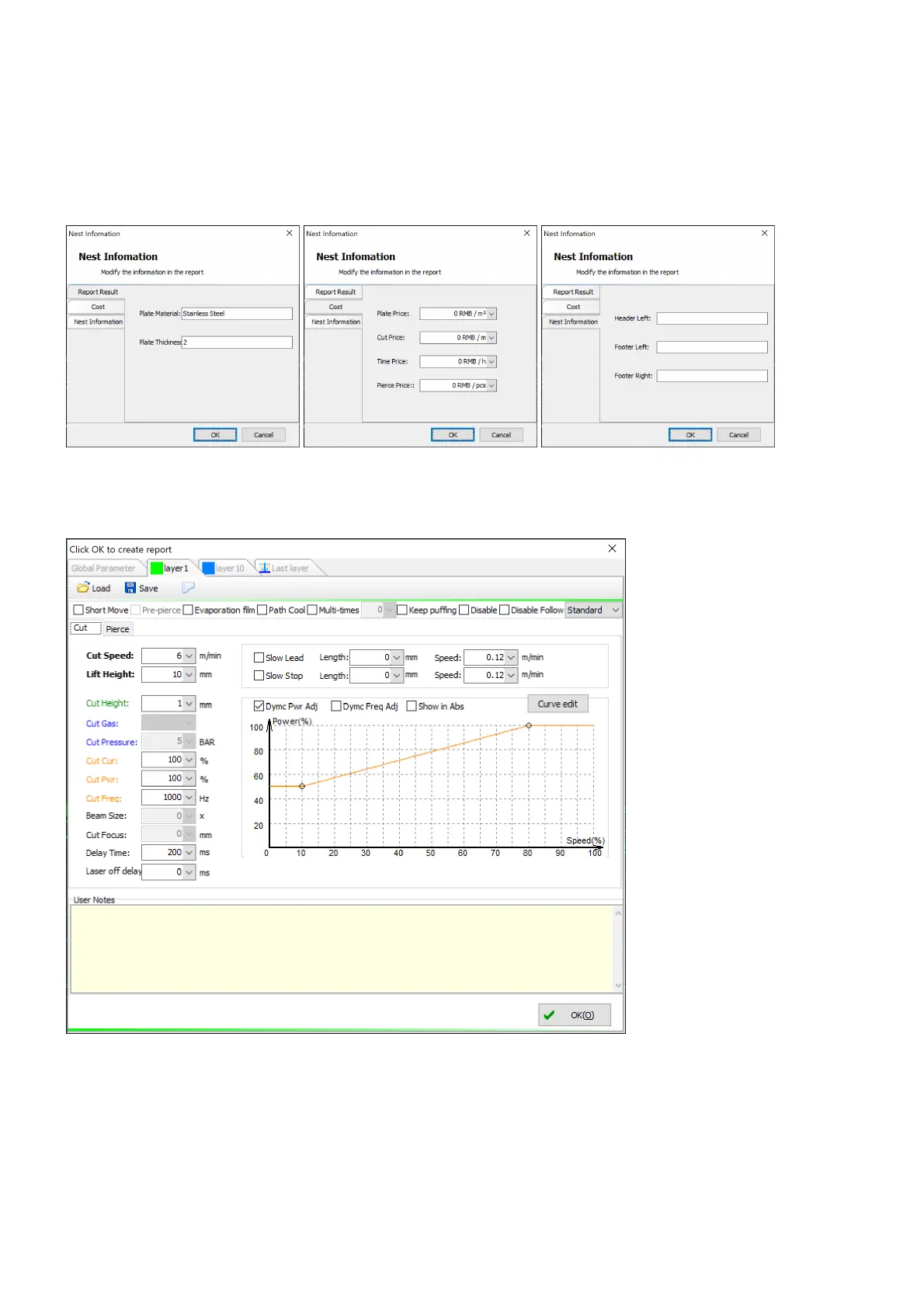
To generate a report on a prepared result, select the command Report Information from the context menu
and complete sheet, unit price and additional information in the pop-up dialog Nest Information if you want
to get extra information in the report.
Then select the command Generate Report from the context menu, set cutting technology in the pop-up
dialog and click on the button OK.



 To Next Page