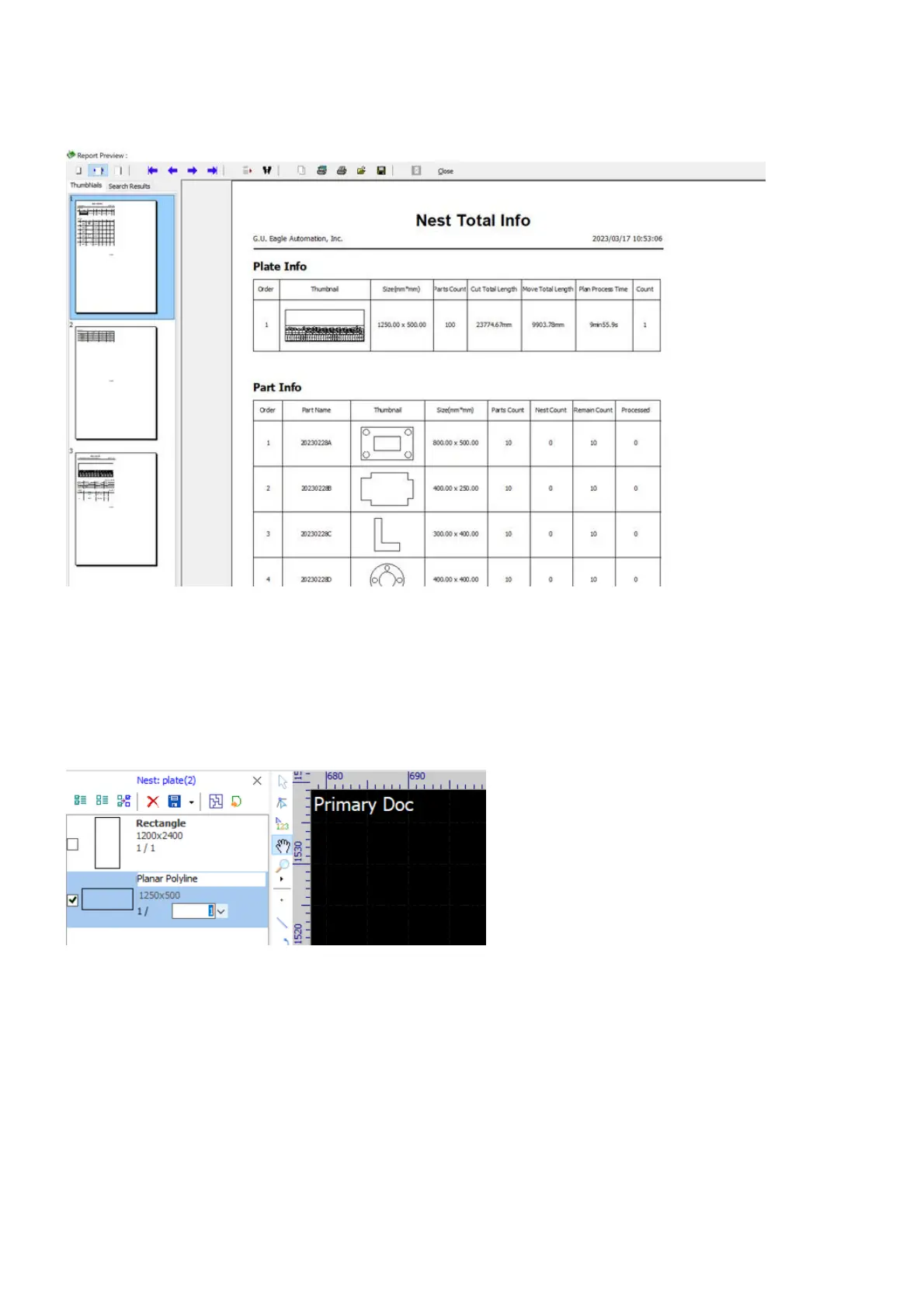
The software will display the report in a preview window, with page thumbnails in the left pane, and a toolbar
on the top. You can walk through pages, zoom a page, print the report, or save the report to a PDF file.
At last, let's have a recap on the sheets management for nesting. There is no material and thickness
information included in sheets listing in the tab Plate of the Nest Panel, you need to specify them when do
nesting or generating reports.
In the sheets list, you can get a summary of every single sheet, i.e. geometry, code (generated automatically),
dimension and plans. Click on a sheet to change the code or the plans.



 To Next Page