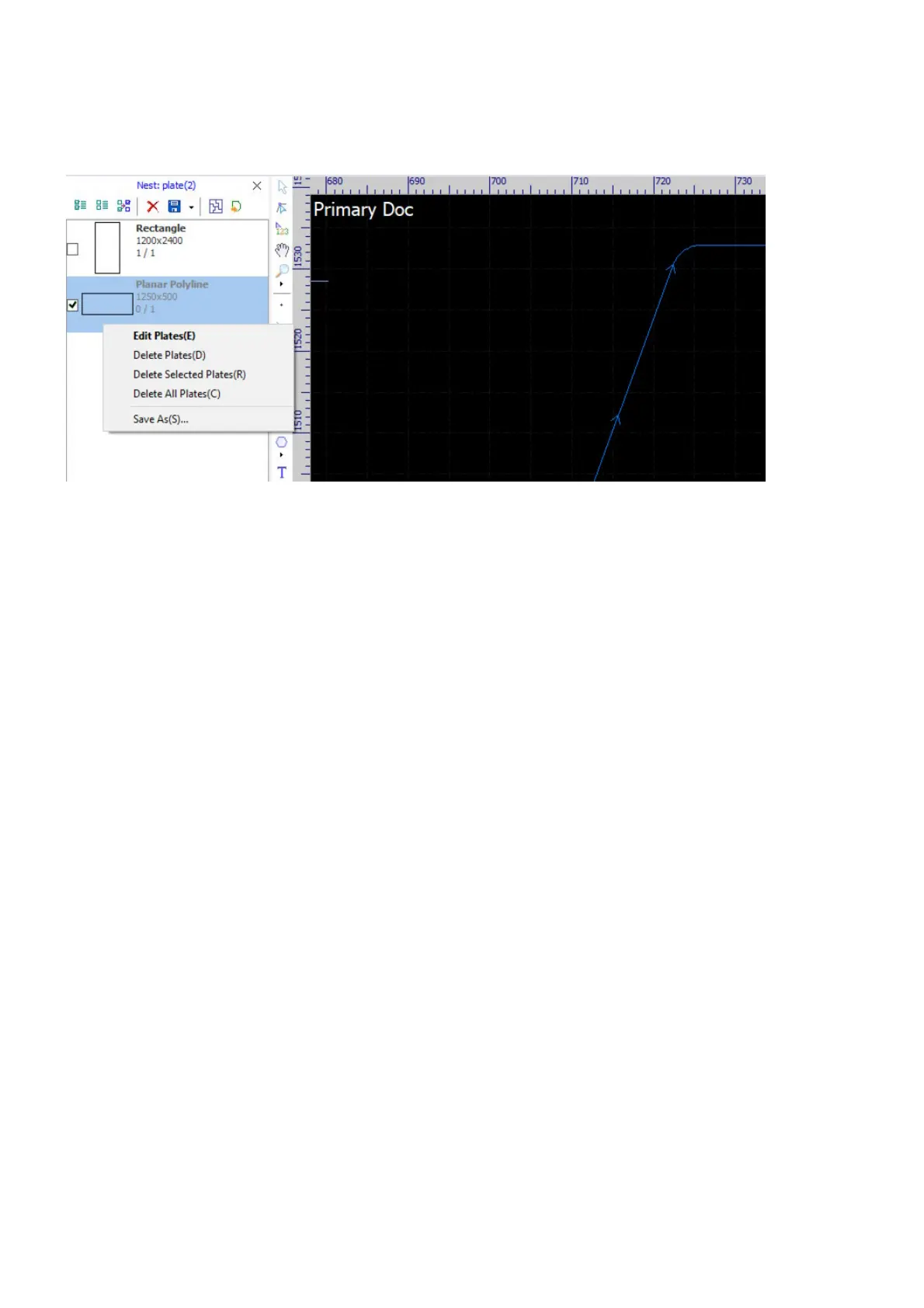
Click on buttons on the toolbar to manage the sheets, i.e. select all sheets, delete the selected sheets, etc,
refer here for more information. Right-click on a sheet to bring up the context menu, you can delete sheets,
save the sheet to an external file.
Double-click on a sheet, the software will display it in the drawing window with its code showing at the top-
left corner. You cannot do anything on the sheet but review.



 To Next Page