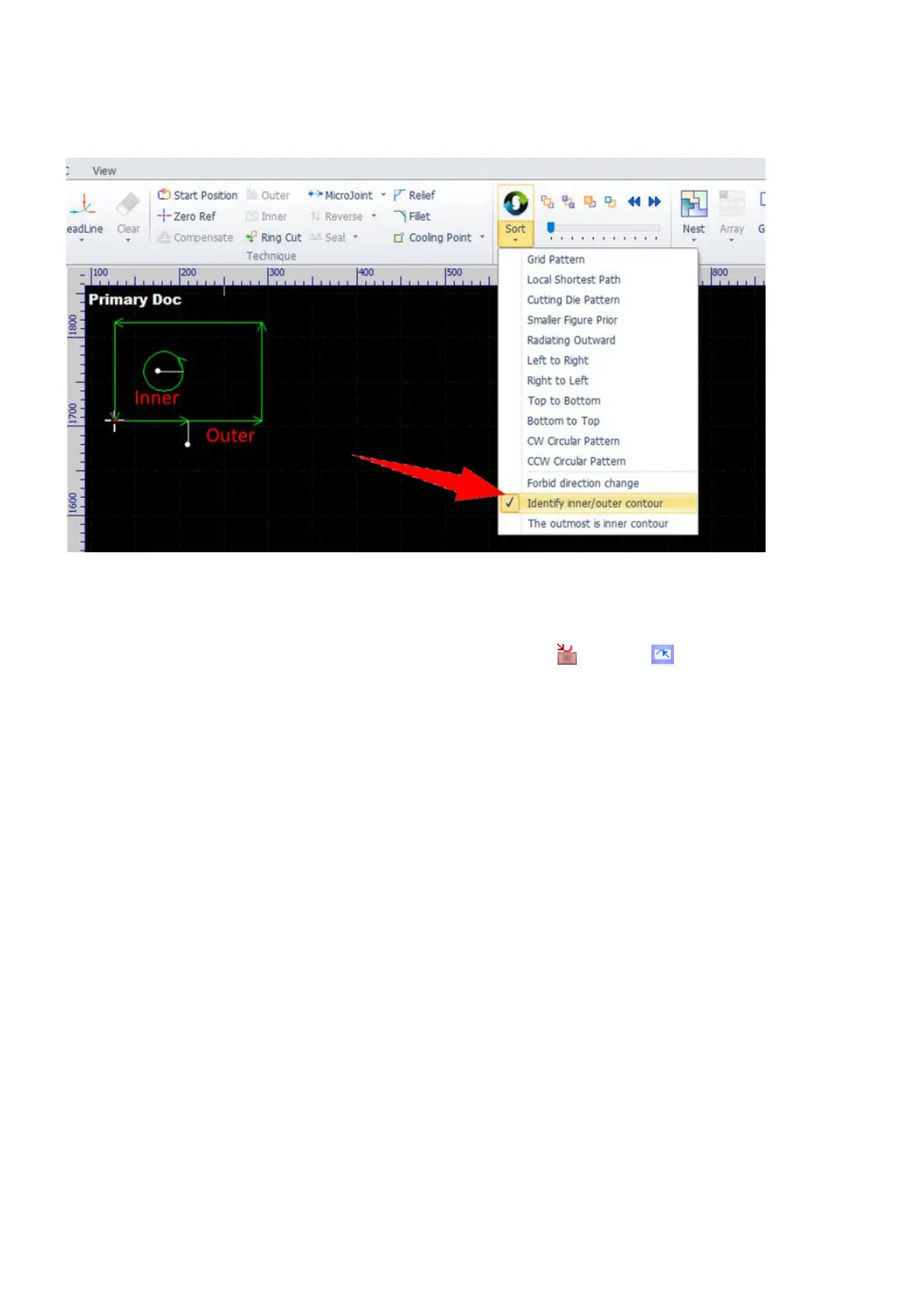
For a complex part, you can select the command Sort in Home to set processing sequence and tell the
software to reconsider contour types with the option Identify inner/outer contour checked at the same
time.
Alternately, if you want to set contour types in a reversed way, you can select the command Sort in Home
with the option The outmost is inner contour checked.
And, you can select the contours first and then select the command Outer or Inner if you want to set
contour types mandatorily in some special cases.



 To Next Page