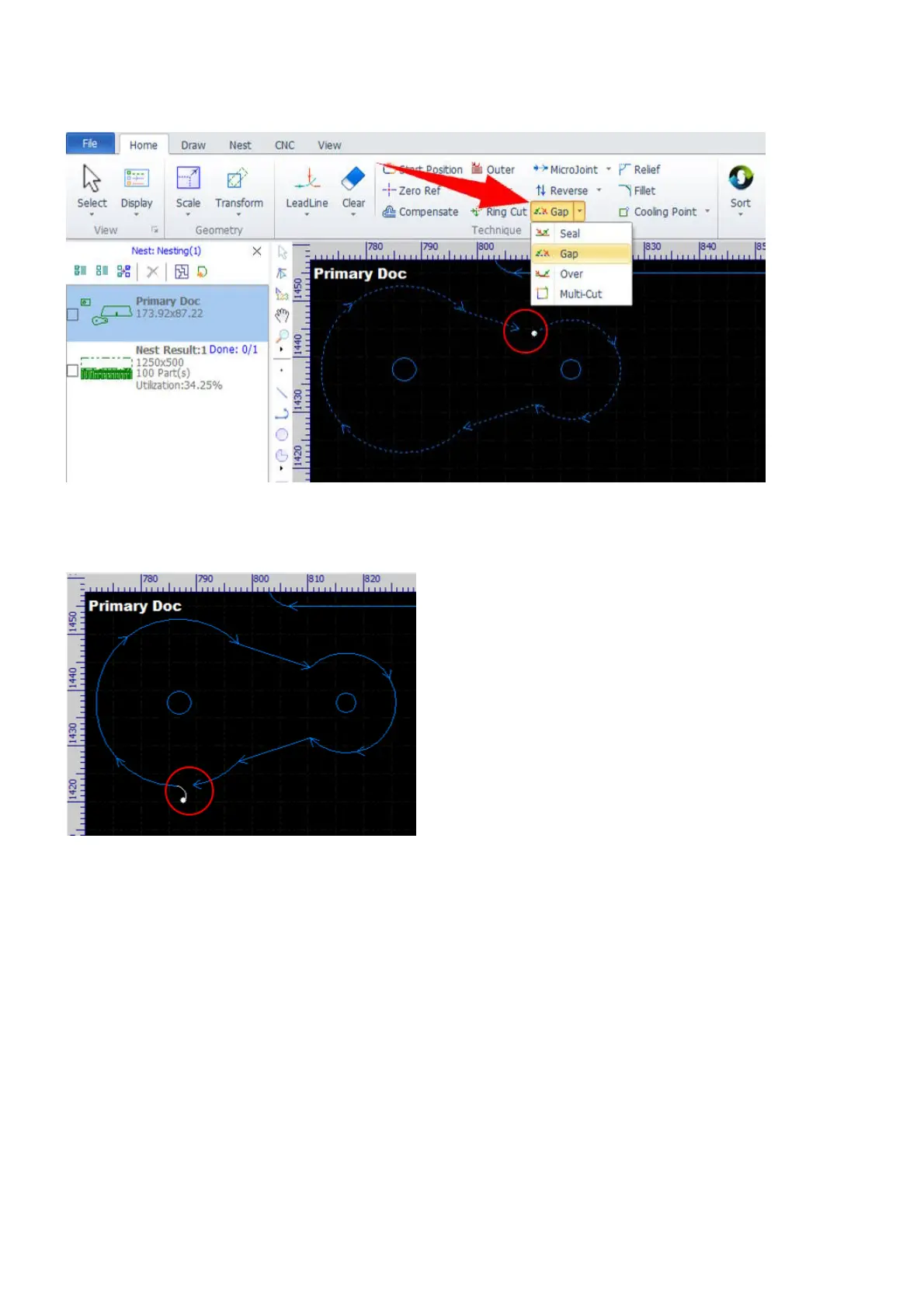
Select the contours and select the command Gap from the pulldown-menu in Home, then set gap size in the
pop-up dialog. The contours are still considered closed after being set a gap on.
The gap will stick to the start position when a change made by the start position function or by setting a lead
automatically.
The seal function is to remove the gaps which are set by the gap function. The over function is to set over-
cuts which may result in more smooth edges. The multi-cut function is also for improving edges by cutting
more than one times.
Finally, make sure to apply this group of functions in the drawing window, they are not supported in the part
library and the nest results.



 To Next Page