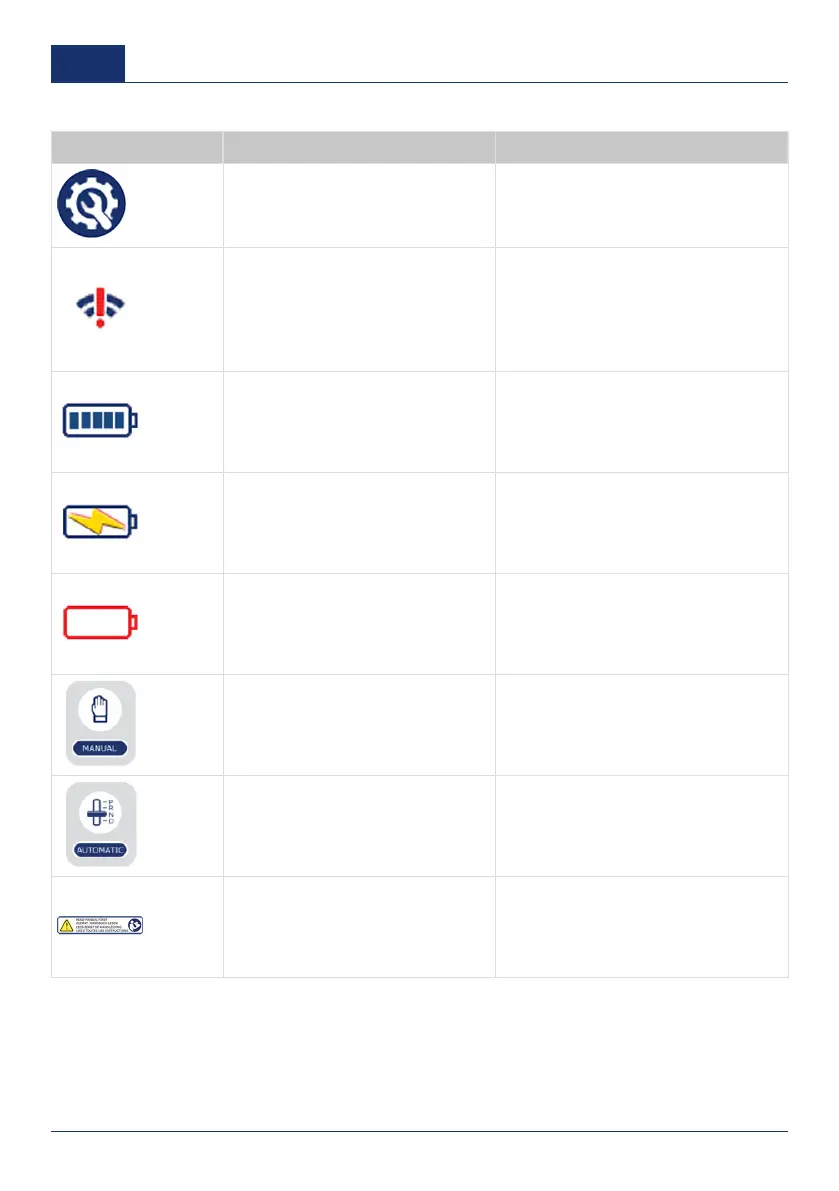
Signs and buttons on the touchscreen
Signs Function Description
Settings button To change the settings.
Signal indicator
To show if there is a connection when
the touchscreen is used as a remote
controller. The sign shows a red exla-
mation mark when there is no connec-
tion between the touchscreen and the
operation unit.
Battery status indicator
To show that the battery is fully charg-
ed.
Battery status indicator To show that the battery is charging.
Battery status indicator To show that the battery is empty.
Manual leveling button To start the manual leveling procedure.
Automatic leveling button
To start the automatic leveling proce-
dure.
Notification Read the document first.
16 0001
US



 To Next Page